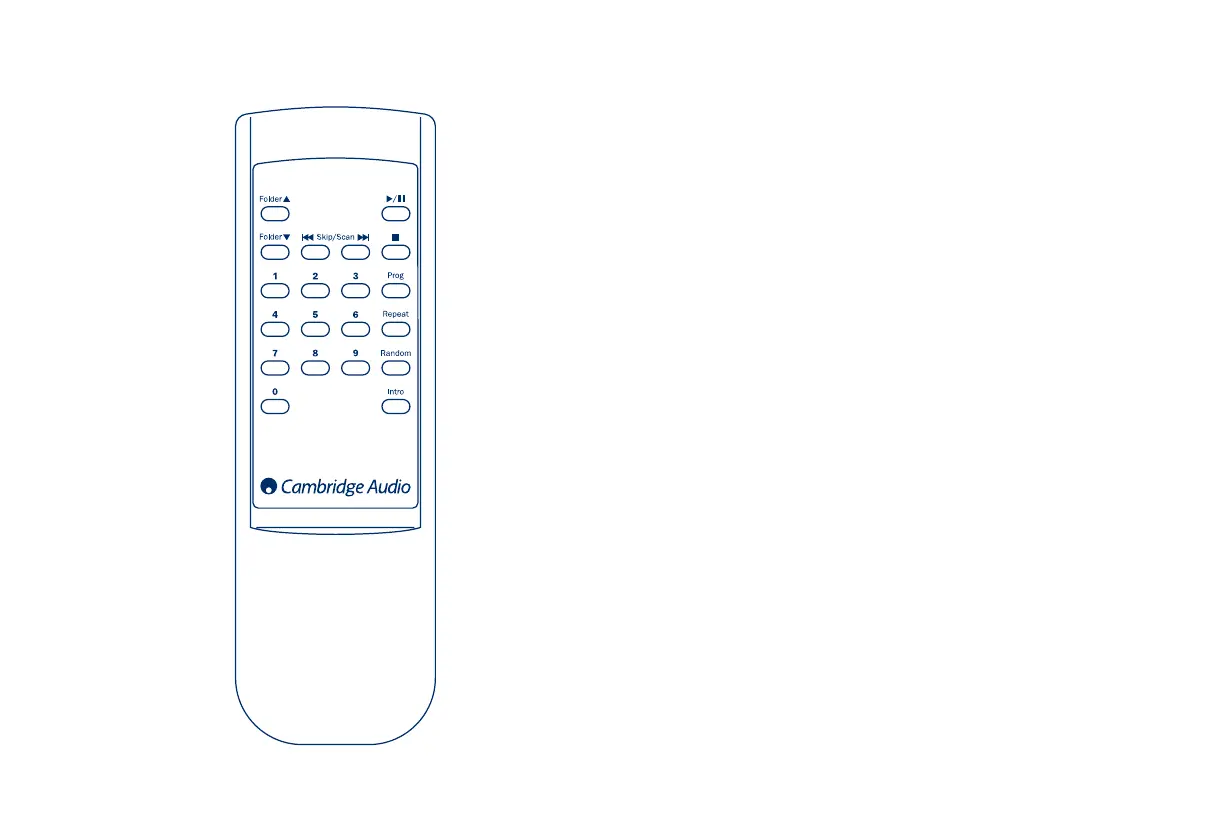
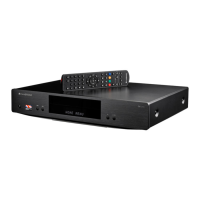
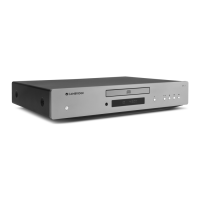
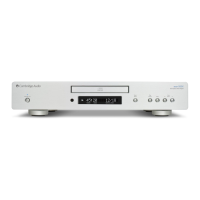
Insert the supplied AA batteries to activate.
Play/Pause
Press to play or pause the CD.
Stop
Press to stop the CD.
Skip/Scan
Right - press once to skip forward by one track on the CD. Press and hold
to scan forwards through tracks.
Left - press once to skip backward by one track on the CD. Press and
hold to scan backwards through tracks.
Folder
Press to skip forward or backward to locate a desired MP3 folder on the
CD.
Program
,
Repeat
,
Random
,
Intro
Refer to the ‘Operating instructions’ section of this manual for more infor-
mation.
Numerical
track
select
Press the number of the desired track. The track will then be played
from the start of the track. To select a track number greater than ten,
press the first number followed by the second number.
REMOTE CONTROL


 To Next Page