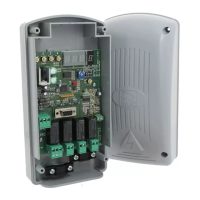
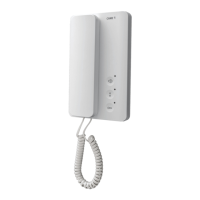
PANIC!
ALARM!
Page 10 - Manual FA01622- EN - 08/2022 - © CAME S.p.A. -The contents of this manual may be changed, at any time, and without notice. - Translation of the original instructions
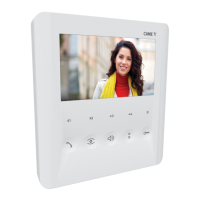
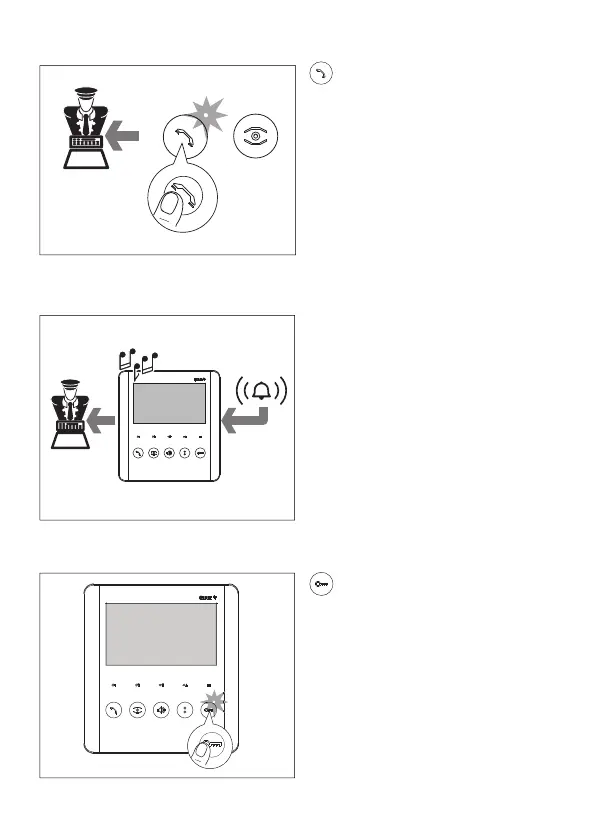
Alarm signal
If an alarm contact connected to the
relevant receiver entrance is activated,
a signal is sent to the porter and an
intermittent acoustic signal sounds on the
receiver.
Sending a panic signal to the porter
Press and hold this button for 2 seconds to
send a PANIC signal to the porter.
The white LED indicates that the signal has
been received by the porter.
Open-gate function/status
Press and hold the button for a prolonged
period to send an open/close command to
an operator. The LED indicates the status
of the operator.
☞The system must be correctly set up
and confi gured.
☞The function must be activated on the
receiver when the call is being associated
during system programming.



 To Next Page
 Loading...