1
2
1
2
1
2
1
2
Page 8 - Manual FA 01622-E N - 08/2022 - © CAME S.p.A. -The contents of this manual may be changed, at any time, and without notice. - Translation of the original instructions
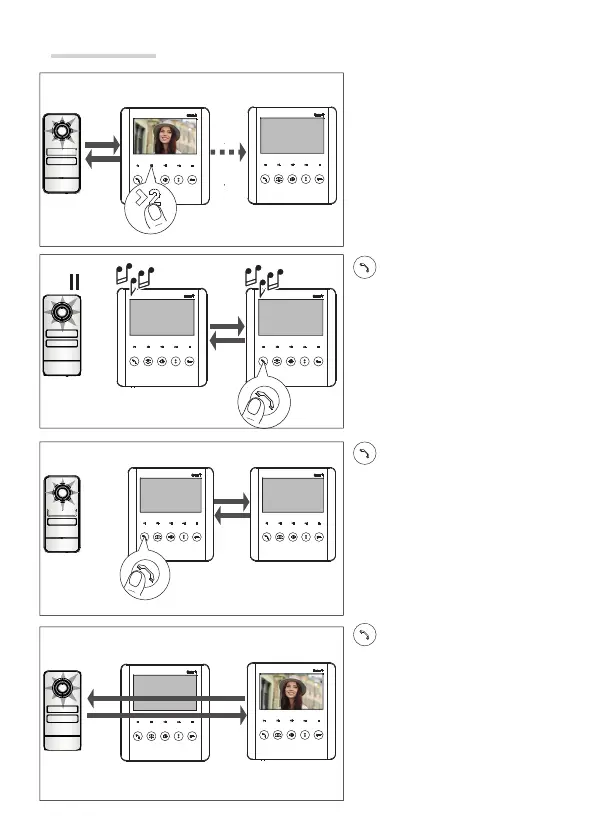
Call forwarding
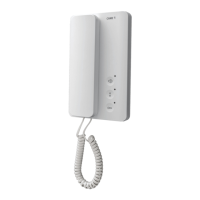
With a call active, select the
internal receiver to which you want
to transfer the call.
To activate audio communication
between two internal receivers,
press this button on the called
receiver.
The entry panel will be put on hold.
To allow internal receiver 2 to
communicate with the entry panel,
press this button on internal receiver
1.
Internal receiver 2 will be able to
communicate with the entry panel.
☞ The internal receiver with the
incoming call can transfer it.



 To Next Page