Page 5 - Manual FA 01622-E N - 08/2022 - © CAME S.p.A. -The contents of this manual may be changed, at any time, and without notice. - Translation of the original instructions
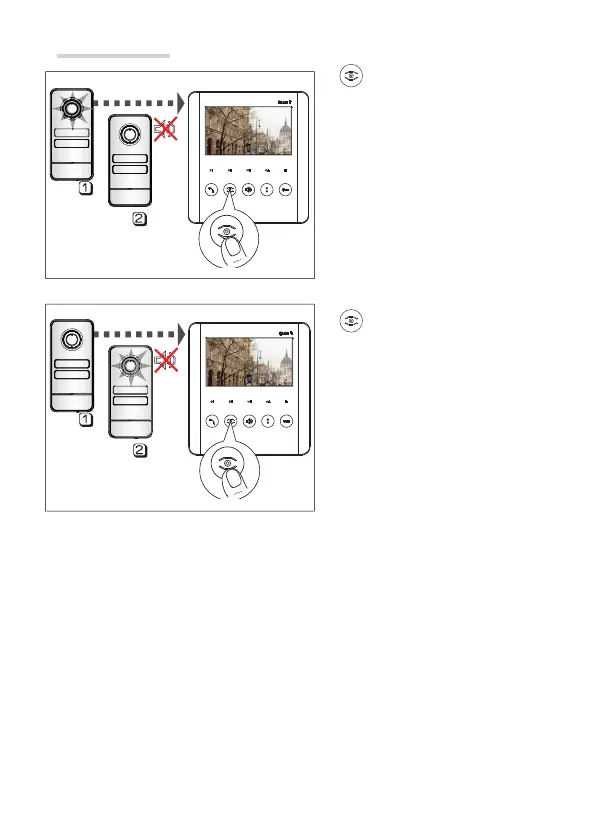
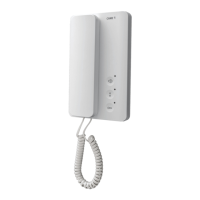
Auto-connection
Press this button to activate video
communication with the entry panel.
☞ Auto-connection is not possible if the line is busy. If the line is busy, you will hear 3
consecutive beeps.
W
here there are multiple entry panels,
press this button multiple times to display
the entry panels one after the other.



 To Next Page