Page 12 - Manual FA01622- EN - 08/2022 - © CAME S.p.A. -The contents of this manual may be changed, at any time, and without notice. - Translation of the original instructions
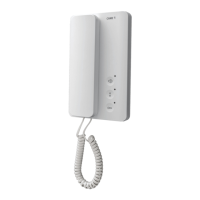
Programming the melody associated
with a call from the entry panel
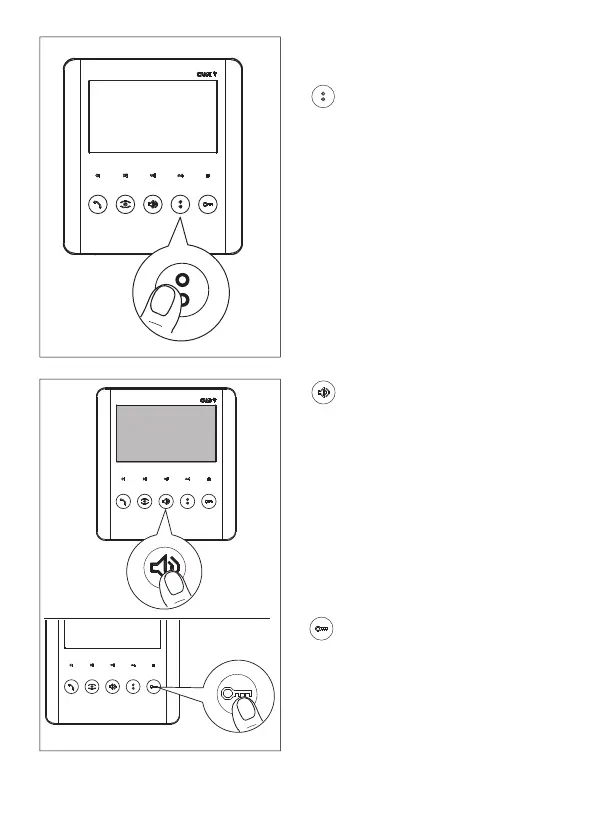
Press this button to listen to the melodies
in sequence.
Press this button to select the melody and
exit programming.
Press this button to select the melody and
continue programming.



 To Next Page