Page 6 - Manual FA01357-EN - 07/2019 - © CAME S.p.A. - The contents of this manual may be changed, at any time, and without notice. - Translation of the original instructions
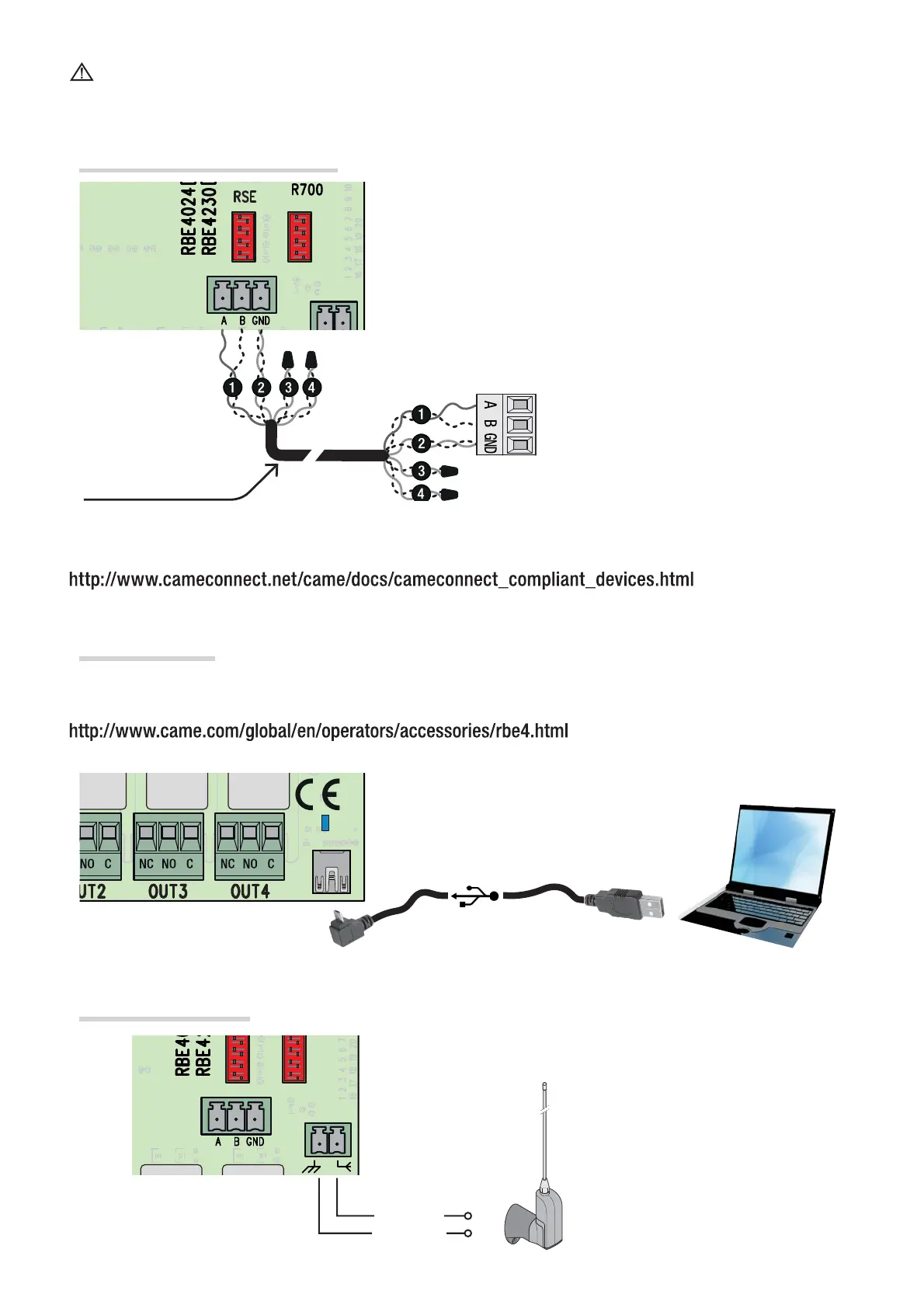
CRP connection with RSE card
Antenna connection
USB connection
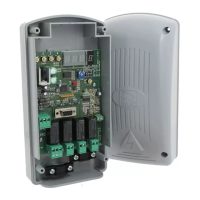
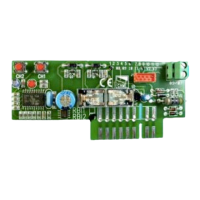
Fit the RSE card.
Connect to a CAME device running the CRP* (Ca-
meConnect System), as illustrated for the RS485 connection
Connect the coaxial cable and antenna brace as shown.
Connect to the AB-type, mini-USB on the PC, to access to the free, RBE* software advanced functions. You can
fi nd these at:
* compatible with control card fi rmware as of the 2.0 version; the one with the H1 function.
Cable
Sleeve
UTP CAT5 cable
A <—> A
B <—> B
GND <—> GND
Before fi tting any plug-in card, such as the AF or R800 one, YOU MUST CUT OFF THE MAINS POWER
SUPPLY and, if present, disconnect any batteries.
Once the code-copying procedure is completed, the Memory Roll card must be removed.
*To verify compatibility, go to:
cable not supplied
Page 6 - Manual FA01357-EN - 07/2019 - © CAME S.p.A. - The contents of this manual may be changed, at any time, and without notice. - Original instructions



 To Next Page
 Loading...