27
DMX
DEUTSCHFRANCAIS
ESPAÑOL
ENGLISH
ITALIANO POLSKI
STAND-ALONE-BETRIEBSART AUTO
Die 6 verfügbaren Auto-Programme bestehen jeweils aus fest programmierten Farbwechselsequenzen, Helligkeit und Laufgeschwindigkeit
sind für jedes Programm separat einstellbar.
Ausgehend von Hauptanzeige 1 gelangen Sie durch Drücken auf MENU in das Hauptmenü. Mit Hilfe der Bedienfelder UP und DOWN wählen
Sie nun den Menüpunkt Stand Alone aus und bestätigen mit ENTER. Wählen Sie wiederum mit Hilfe von UP und DOWN die Stand-Alone-
Be triebsart Auto aus und bestätigen mit ENTER. Nun bestimmen Sie mit Hilfe von UP und DOWN das gewünschte Programm (Program 1 –
Program 6) aus und bestätigen mit ENTER. Wählen Sie nun mit Hilfe von UP und DOWN Dimmer bzw. Speed aus, bestätigen mit ENTER und
stellen Helligkeit bzw. Laufgeschwindigkeit nach Wunsch von 000 bis 100 ein. Bestätigen Sie alle Eingaben mit ENTER.
DMX Address
001
Mode
Auto
Mode
Static
Mode
Color Macro
Mode
User Color
Menu
DMX Address
DMX Mode
DMX Delay
Stand Alone
Settings
System Info
Menu
DMX Address
DMX Mode
DMX Delay
Stand Alone
Settings
System Info
DMX Mode
3 CH
4 CH
6 CH
7 CH
13CH01
13CH02
20 CH
Static
Dimmer
Strobe
Red
Green
Blue
White
Amber
UV
Color x
Dimmer
Strobe
Red
Green
Blue
White
Amber
UV
DMX Address
001 - 510
Fixture Status
Stand Alone
Static
Color Macro
User Color
Auto
Color Macro
Color O
Red
Amber
Yellow W
Yellow
Green
Turquoise
Cyan
Blue
Lavender
Mauve
Magenta
Pink
Warm White
White
Cold White
Stand Alone
Static
Color Macro
User Color
Auto
User Color
Color 1
|
Color 8
Stand Alone
Static
Color Macro
User Color
Auto
Program x
Dimmer
Speed
Auto
Program 1
|
Program 6
Stand Alone
Static
Color Macro
User Color
Auto
-------- Menu --------
DMX Address
DMX Mode
DMX Delay
Stand Alone
Settings
System Info
DMX Delay ------
Group 0
by DMX? No/Yes
Delay 0.0s
------
DMX Delay ------
Group 0
by DMX? No
Delay 0.0s
------
DMX Delay ------
Group 0
by DMX? No
Delay 0.0s - 2.0s
------
By DMX? -------
--------
Warning! Delay
is controllable
by DMX now!
-------- Menu --------
DMX Address
DMX Mode
DMX Delay
Stand Alone
Settings
System Info
DMX Delay ------
Group 0
by DMX? Yes
Delay 0.0s
------
DMX Delay ------
Group 0
by DMX? Yes
------
-------- Menu --------
DMX Address
DMX Mode
DMX Delay
Stand Alone
Settings
System Info
-------- Menu --------
DMX Address
DMX Mode
DMX Delay
Stand Alone
Settings
System Info
-------- Menu --------
DMX Address
DMX Mode
DMX Delay
Stand Alone
Settings
System Info
-------- Menu --------
DMX Address
DMX Mode
DMX Delay
Stand Alone
Settings
System Info
-------- Menu --------
DMX Address
DMX Mode
DMX Delay
Stand Alone
Settings
System Info
SYSTEMEINSTELLUNGEN (Settings)
Ausgehend von Hauptanzeige 1 gelangen Sie durch Drücken auf MENU in das Hauptmenü. Mit Hilfe der Bedienfelder UP und DOWN wählen
Sie nun den Menüpunkt Settings aus und bestätigen mit ENTER.
DMX Address
001
Mode
Auto
Mode
Static
Mode
Color Macro
Mode
User Color
Menu
DMX Address
DMX Mode
DMX Delay
Stand Alone
Settings
System Info
Menu
DMX Address
DMX Mode
DMX Delay
Stand Alone
Settings
System Info
DMX Mode
3 CH
4 CH
6 CH
7 CH
13CH01
13CH02
20 CH
Static
Dimmer
Strobe
Red
Green
Blue
White
Amber
UV
Color x
Dimmer
Strobe
Red
Green
Blue
White
Amber
UV
DMX Address
001 - 510
Fixture Status
Stand Alone
Static
Color Macro
User Color
Auto
Color Macro
Color O
Red
Amber
Yellow W
Yellow
Green
Turquoise
Cyan
Blue
Lavender
Mauve
Magenta
Pink
Warm White
White
Cold White
Stand Alone
Static
Color Macro
User Color
Auto
User Color
Color 1
|
Color 8
Stand Alone
Static
Color Macro
User Color
Auto
Program x
Dimmer
Speed
Auto
Program 1
|
Program 6
Stand Alone
Static
Color Macro
User Color
Auto
-------- Menu --------
DMX Address
DMX Mode
DMX Delay
Stand Alone
Settings
System Info
DMX Delay ------
Group 0
by DMX? No/Yes
Delay 0.0s
------
DMX Delay ------
Group 0
by DMX? No
Delay 0.0s
------
DMX Delay ------
Group 0
by DMX? No
Delay 0.0s - 2.0s
------
By DMX? -------
--------
Warning! Delay
is controllable
by DMX now!
-------- Menu --------
DMX Address
DMX Mode
DMX Delay
Stand Alone
Settings
System Info
DMX Delay ------
Group 0
by DMX? Yes
Delay 0.0s
------
DMX Delay ------
Group 0
by DMX? Yes
------
-------- Menu --------
DMX Address
DMX Mode
DMX Delay
Stand Alone
Settings
System Info
-------- Menu --------
DMX Address
DMX Mode
DMX Delay
Stand Alone
Settings
System Info
-------- Menu --------
DMX Address
DMX Mode
DMX Delay
Stand Alone
Settings
System Info
-------- Menu --------
DMX Address
DMX Mode
DMX Delay
Stand Alone
Settings
System Info
-------- Menu --------
DMX Address
DMX Mode
DMX Delay
Stand Alone
Settings
System Info
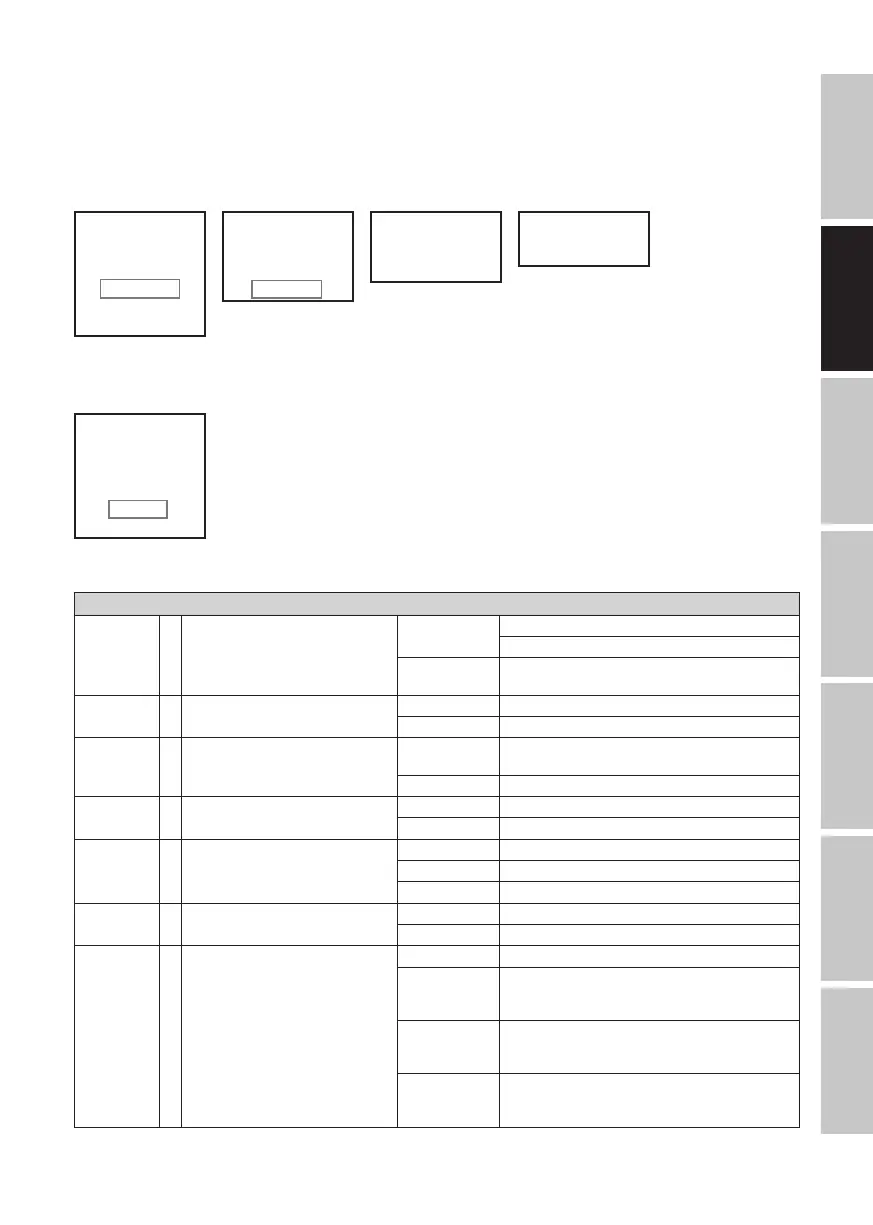
Daraufhin gelangen Sie in das Untermenü zum Einstellen der Untermenüpunkte (siehe Tabelle, Auswahl mit UP und DOWN, bestätigen mit
ENTER, Wert bzw. Status ändern mit UP und DOWN, bestätigen mit ENTER).
Settings
Wireless
Settings
= W-DMX Einstellungen W-DMX On/Off On = W-DMX aktiviert
Off = W-DMX deaktiviert
Reset drücken auf ENTER = Die Kopplung mit einem Trans-
mitter aufheben und in Koppelbereitschaft versetzen
Power Mode = Akku-Modus Standard Funktion deaktiviert
Eco ca. doppelte Akkulaufzeit bei 50% Helligkeit
Display
Reverse
= Display-Anzeige drehen On Drehung der Display-Anzeige um 180° (z.B. Kopfüber-
montage)
Off keine Drehung der Display-Anzeige
Display = Display-Beleuchtung On permanent an
Off Deaktivierung nach ca. 1 Minute Inaktivität
DMX Fail = Betriebszustand bei DMX-Signal-Un-
terbrechung
Hold letzter Befehl wird gehalten
Blackout aktiviert Blackout
White alle LEDs 100% Output
Power Fail = Betriebszustand bei Stromausfall Off keine Änderung des aktuellen Status
On alle LEDs 100% Output
Dimmer
Curve
= Dimmerkurve Linear Die Lichtintensität steigt linear mit dem DMX-Wert an
Exponential Die Lichtintensität lässt sich im unteren DMX-Wert-
bereich fein und im oberen DMX-Wertbereich grob
einstellen
Logarithmic Die Lichtintensität lässt sich im unteren DMX-Wert-
bereich grob und im oberen DMX-Wertbereich fein
einstellen
S-Curve Die Lichtintensität lässt sich im unteren und oberen
DMX-Wertbereich fein und im mittleren DMX-Wertbe-
reich grob einstellen


 To Next Page
 Loading...