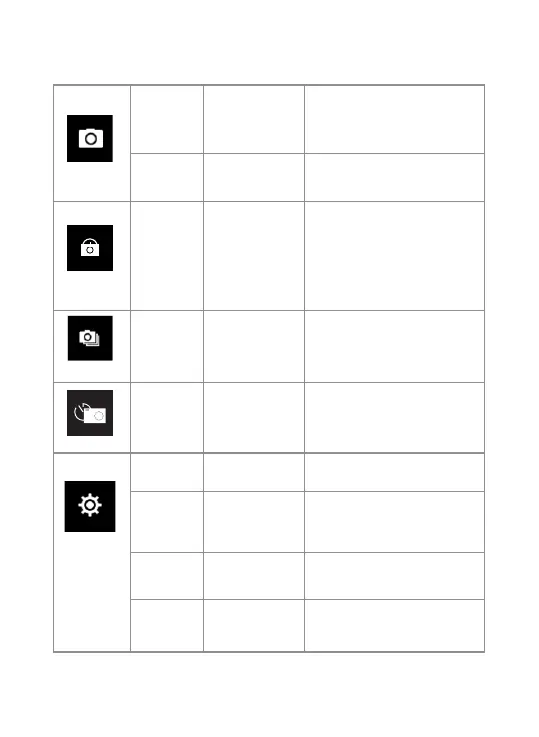
ISO
Auto / 100 / 200 /
400 / 800 / 1600 /
3200 / 6400 /
Adjust ISO values to adjust
brightness of photo.
Default at Auto
Time
Watermark
ON / OFF
Turn ON / OFF time watermark
in photo
Choose a time value to turn on
the automatic timer, then the
camera will keep taking photos
after the preset time gap, eg.
With “Auto” value set to 3s,
then the camera will keep
taking photos every 3 seconds.
Photo
Interval
3S/10S/15S/
20S/30S
Photo
Choose a value to turn on
continuous shooting, so when
you press the shutter once, the
camera will take multiple photos.
Photo
Frequency
3P/S; 5P/S;
10P/S
Burst
Choose a time value to turn on
timer, and the camera will take
a photo after preset time when
you press the shutter.
Countdown
3S / 5S /
10S / 20S
Timer
Turn on to rotate screen
display by 180°
ON / OFF
Image
Rotation
Turn on to turn on WiFi on the
camera, so it can be found and
connected.
ON / OFF
WiFi
WiFi
Information
Choose to access WiFi
information
System
Setup
Auto
Auto
Reset WiFi
Confirm/ Cancel
Confirm to reset WiFi.
14


 To Next Page