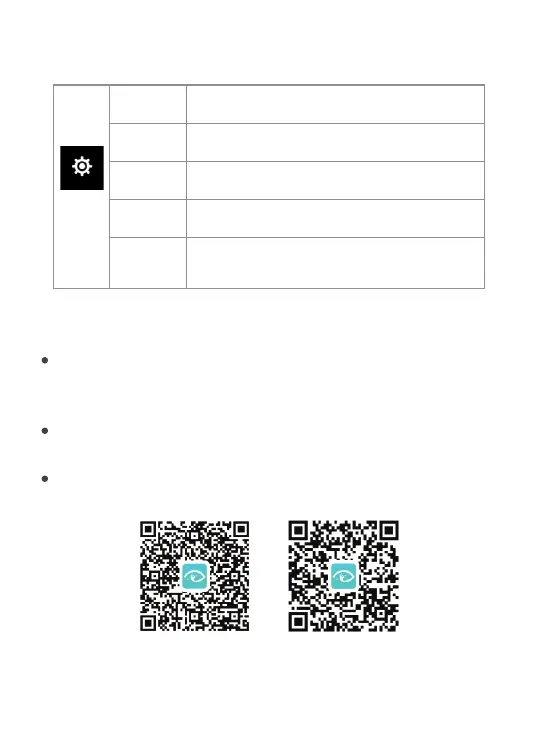
Setup local time
Time Set
Setup local date
Date Set
Format the memory card
Format
Choose to check device information.
Device Info
Reset the camera to factory default status
Factory
Reset
System
Setup
WiFi Connection and APP
The X20C camera has built-in WiFi function, you can connect it
to your smart phone and remotely control the camera and
share the recorded moments.
Before using WIFI function, please install “DV King 4K” APP
on your smart phone.
You can search “DV King 4K” in Google Play Store / Apple
APP Store, or you can scan the QR code below to get the APP.
Android App Download ios App Download
16


 To Next Page