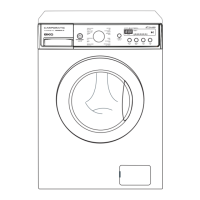
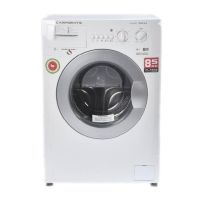
Washing procedure and program selection
1. Cotton is automatically selected upon power on
• Press the Power button to start.
• Press the Start/Hold button
• Initial condition
- Program : Cotton
- Wash : main wash
- Rinse : 3 times
- Water temperature : 40°C
2. MANUAL SELECTING
• Press the Power button to start
• Select the conditions which you want to use by turning the program dial and pressing each button.
• Press the
Start/Pause button.
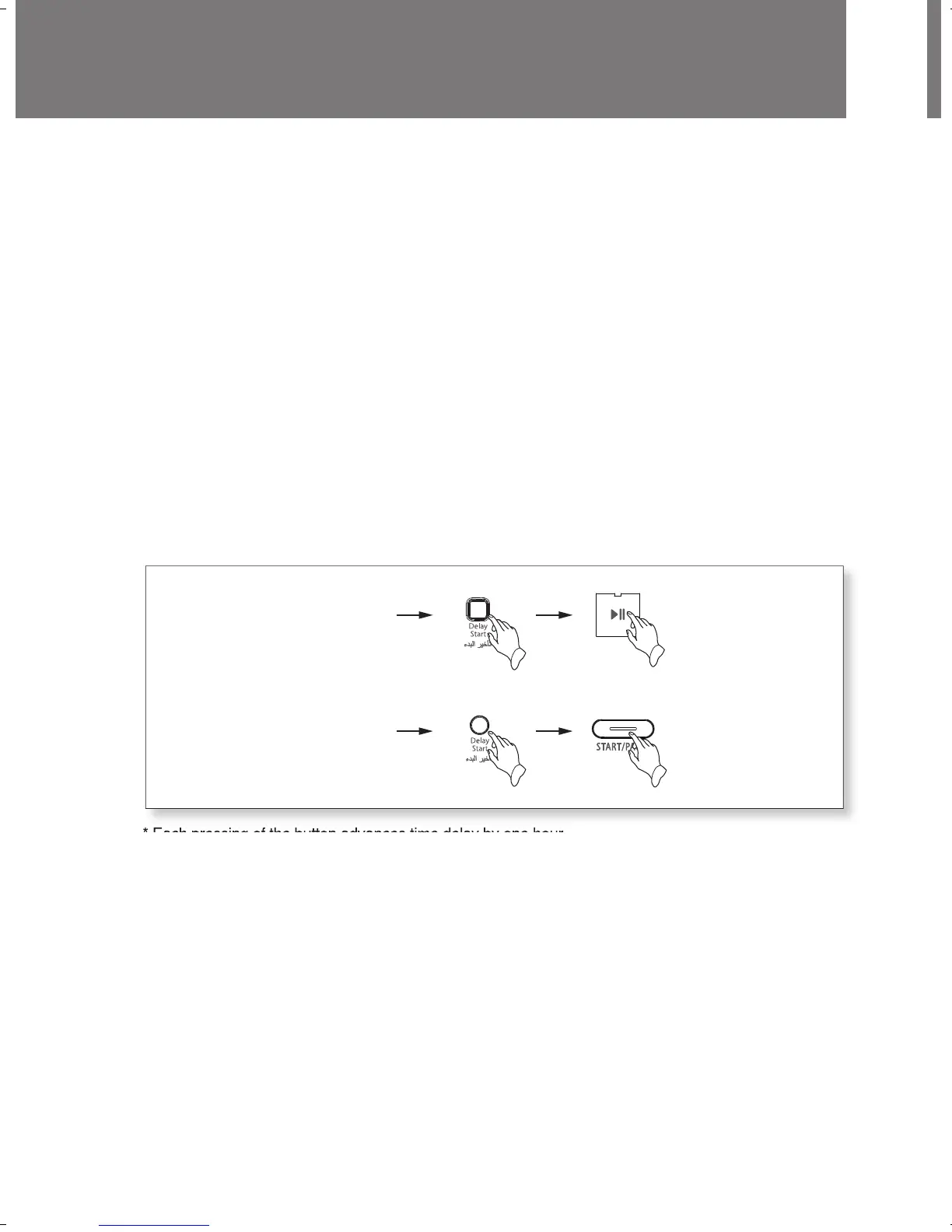
3. Reserved washing
• Reservation can be made from 1 hour to 12 hours.
example) To make reservation to complete washing in 8 hours.
- Procedure to press the button.
* Each pressing of the button advances time delay by one hour.
• Now the reservation is made.
• If you want to check the selected program, press the “Start/Pause” button again.
• Preparing washing before starting “Time Delay”;
- Turn on the water tap
- Load laundry and close the door
- Place the detergent and fabric softener in the detergent case.
• To cancel the time delay, press the Power button.



 To Next Page