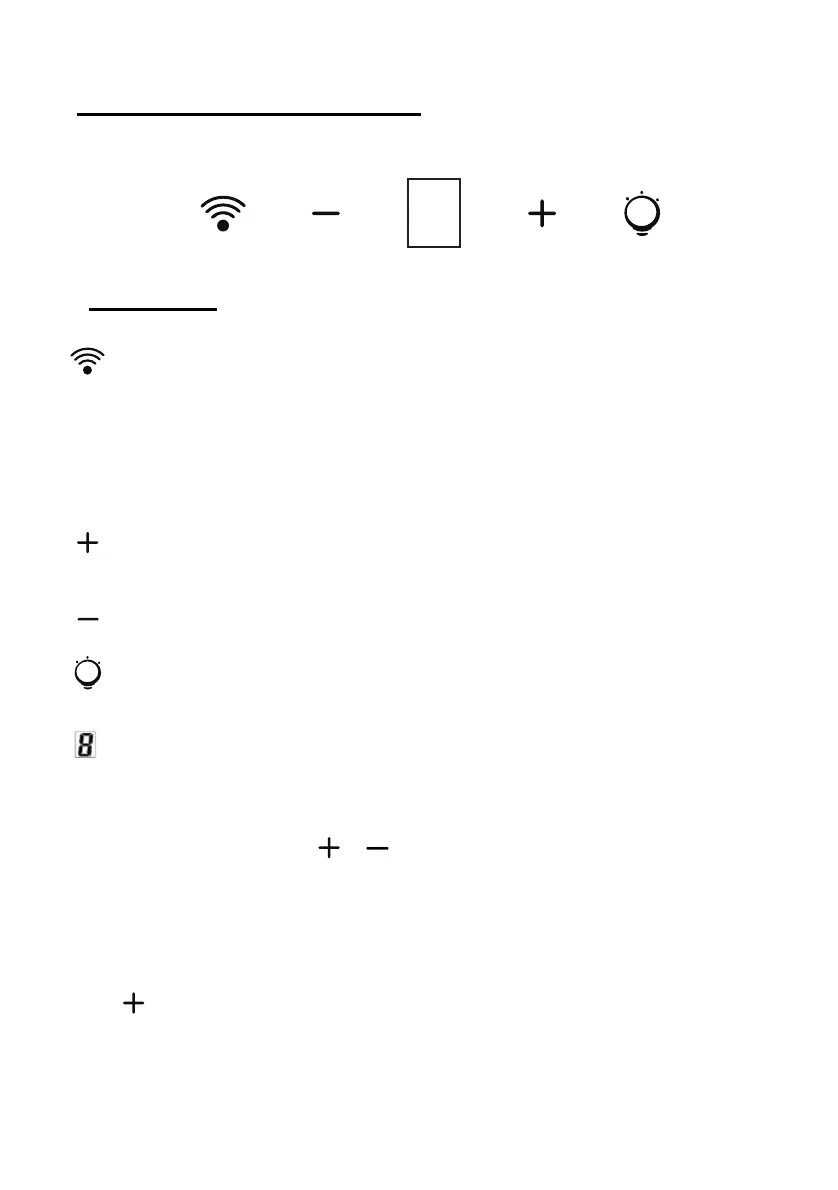
Wi-Fi Connection
Long press WiFi icon and enter into connecting mode: the backlit
of WiFi icon keep flashing indicate the connection is under
connecting, the backlit of WiFi icon is light on indicate it is
connected, same for standby mode; long press WiFi icon again
and the connection will be stopped;
Speed plus button
For increasing the speed of the fan
Speed decrease button
For decreasing the speed of the fan.
Light button
Digital display
Fan speed display:"1" for Low speed, "2" for Medium speed,
"3" for High speed, “4” for Booster function.
Quick timer: Press
& hold for 1 second, Digital display will
flashing & into 5 minutes count down, after 5 minutes motor & light
will turn off automatic & Buzzer sound for 1 second.
Booster function
This hood has a booster function. To activate the booster, Press
to speed 4, enter into highest speed while the hood is in use
and it will increase speed for 5 minutes, before slowing down
again.
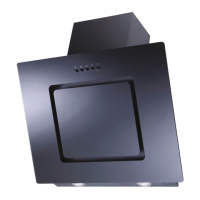
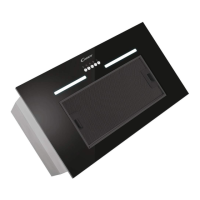
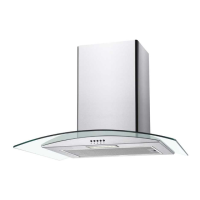
DESCRIPTION OF COMPONENTS
OPERATION


 To Next Page