10
20
30
40
50
60
70
80
90
100
110
120
8
EN 09
3. Use of the Oven
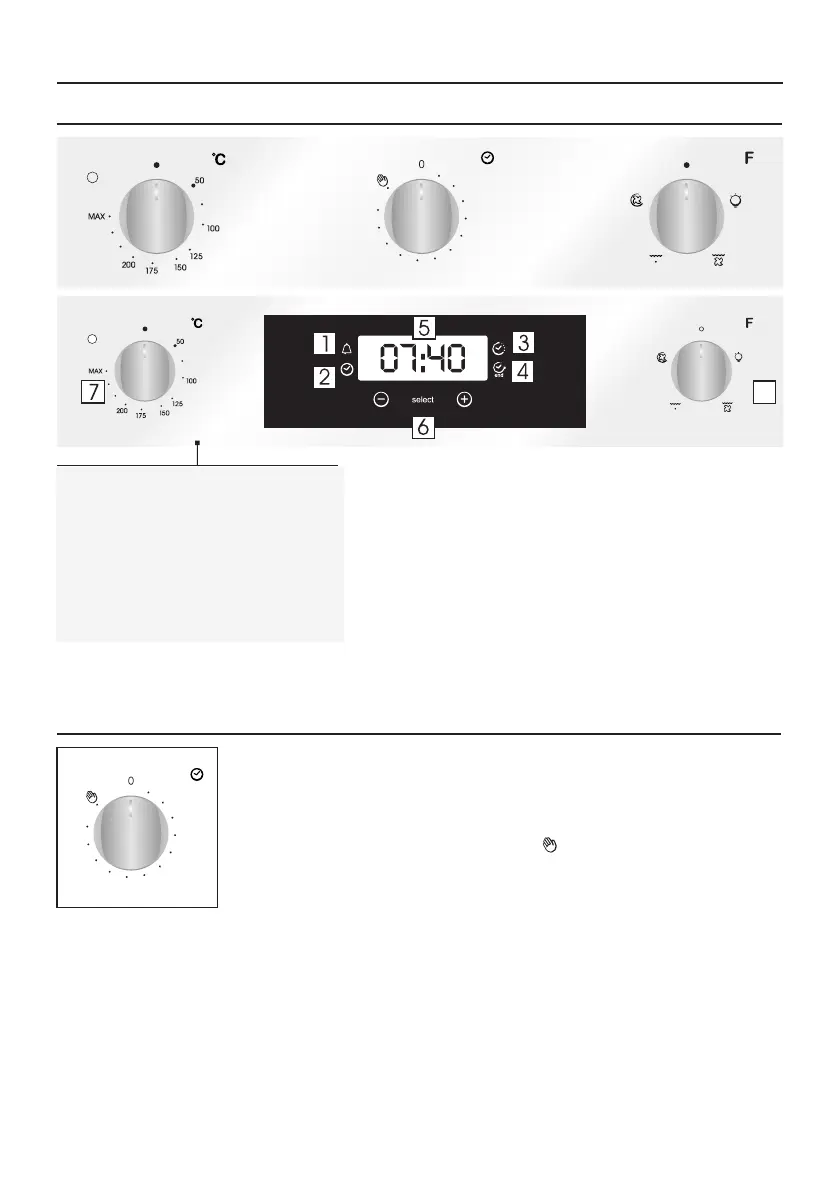
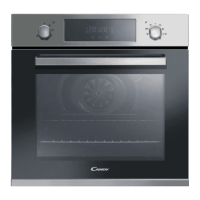
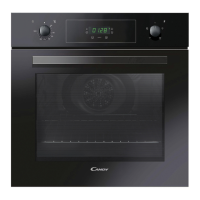
3.1 Display description
1. Minute minder
2. Clock setting
3. Cooking time
4. End of cooking
5. Temperature or clock display
6. LCD display adjustment controls
7. Thermostat selector knob
8. Function selector knob
WARNING: the first operation to carry out after the oven has
been installed or following the interruption of power supply
(this is recognizable the display pulsating and showing 12:00
) is setting the correct time. This is achieved as follows.
•Push the central button 4 times
•Set time with "-" "+" buttons.
•Release all buttons.
ATTENTION: The oven will only operate providing the clock is
set.
3.2 Using the end of cooking timer
This control enables to set the desired cooking time (max. 120 min.) the oven
will automatically switch off at the end of the set time.
The timer will count down from the set time return to the O position and
switch off automatically.
For normal use of oven set the timer to the position.
To set the oven ensure the timer is not on the O position.
10
20
30
40
50
60
70
80
90
100
110
120


 To Next Page