4. If 2nd target is required, press ④ to enter [Other Target] and repeat
step 3.
5. Press ④ to enter [Completed]
6. a. Press ④ to enter [New Step], follow the same procedures 1 to 5
to add more training plans under this program.
b. To [Edit /Delete /Insert] above settings, press ④ to enter the
above plan.
1. Press ④ to enter [Run Plan 01] or [Run Plan 02].
2. Press ③/⑤ to select [Go /Edit /Delete] this plan.
3. Select [Go], satellites will be located automatically.
4. After GPS locating complete, press ④ to start, and then press
③/⑤ to browse current figures and achievements.
5. To finish, press ④. Use ③/⑤ to select [Resume/Save/Discard] ,
then press ④ to confirm.
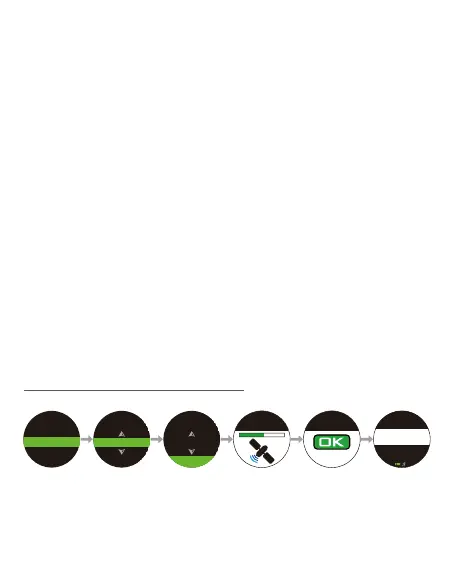
Enter Novice Training. Press ③/⑤ to select a target and press ④ to
confirm, then select [GO] and press ④ to start.
After you create the training plan:
7-3-2 Novice Training
New Plan
Novice Training
Novice Training
3Km=18min
Go
Novice Training
3Km=18min
Go
Calories
0
Stride Rate
0
Avg. Pace
--
’
--
”
Push
to Go
Locating GPS
9.



 To Next Page