1. Device Overview
WED
31
DEC
07
52
31
DEC
WED
①
③
④
②
⑤
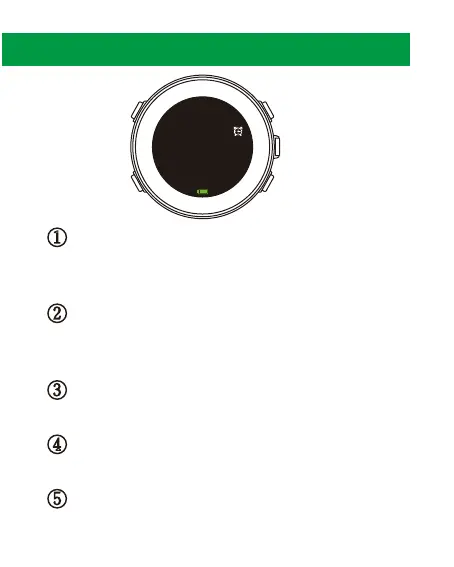
① Power and Backlight
Hold to turn the device on/off.
Press to turn the backlight on/off.
② Back/Lap
Press to return to the previous page or step.
Set a manual Lap. Switch time display mode.
③ Up
Press to scroll up the menus.
④ OK and Enter
Press to accept an entry or to move forward on a menu.
⑤ Down
Press to scroll down the menus.
2.



 To Next Page