It is your personal virtual trainer which can create the best training
plan according to your requirements.
1.Press ④ to enter main menu, and select [TRAINING].
2.Choose [Running /Cycling] and press ④ to enter.
3. Choose [New Plan /Novice Training] and press ④ to enter.
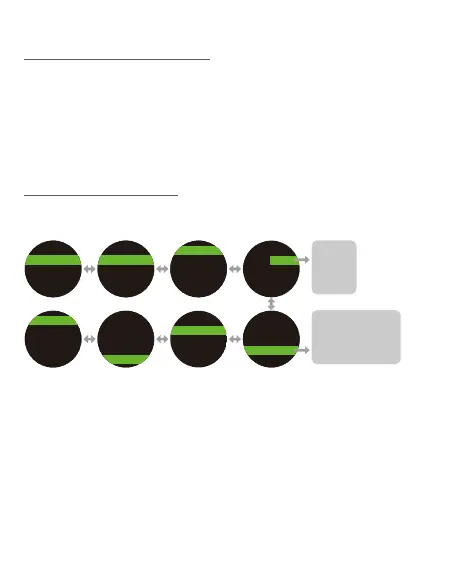
Please follow below procedure to design your own training plan, it
includes Warm up, Interval, Activity, Rest, and Cool Down settings.
1. Under [New Plan], press ④ to enter [Warm up /Intervals /Active /
Rest /Cool Down].
2. At [During] Setting, press ③/⑤ to select [Manual/Dist. /Time/Cal.],
press ④ to enter ; Press ③/⑤ to enter a figure (ex: 3 km or 00:15
min or 500 Kcal), then press ④ to enter.
3. Press ④ to enter [Target], then press ③/⑤ to select [None /Pace
(
Speed
)
<4> /Heart Rate /Stride Rate], enter target figure, then
press ④ to enter.
7-3 Training Mode
7-3-1 New Plan
Intervals
Active 1
Rest 1
Cool Dowm
Warm Up
1.00 km
During Dist.
Warm Up
1.00 km
Completed
Target
During Dist.
Warm Up
Target
Pace
00'00" - 00'00"
Target
Other Target
Pace
Completed
00'00" - 00'00"
Manual
Dist.
Time
Cal.
None
Pace or Speed <4>
Heart Rate
Stride Rate/Cadence
New PlanNew Plan
Novice Training
<4> Modify the format at [SETTING -> SYSTEM -> Format]
8.



 To Next Page