6. Watch Settings
5. Time Mode
Press ④ to enter main menu. Use ③/⑤ to scroll to [SETTINGS].
Once in [SETTINGS], you will find the following options :
[System] : Language, Clock, Backlight, Alert, Unit, Geolocation,
SmartBand, Orientation, Format, Key Lock<2>, Factory
Reset, About Watch.
<2> To unlock Key Lock, press ②+④, and release them together.
[Personal] : Gender, Age, Height, Weight, Max Heart Rate, Weight of
bike, Wheel Size.
[Sensors] : Pairing your Heart Rate sensor or Cadence sensor with
your watch.
[Running/Cycling/ Swimming] : Smart Screen, Smart Partner,
Sport Alert, Smart Pause, Smart
Lap, Smart scroll .
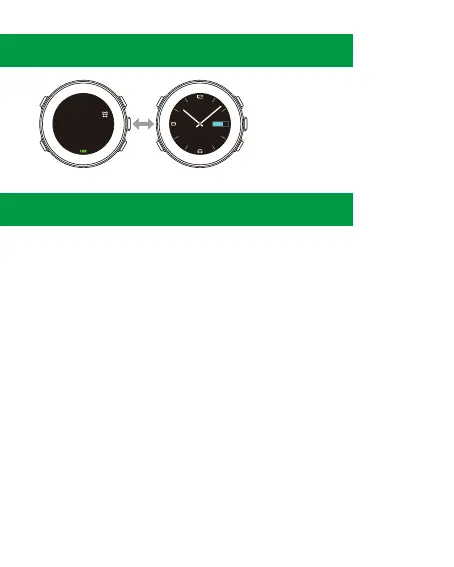
Under the Time Mode, press
② to switch Time display
interface.
WED
31
DEC
07
52
31
DEC
WED
22WED
②
5.



 To Next Page