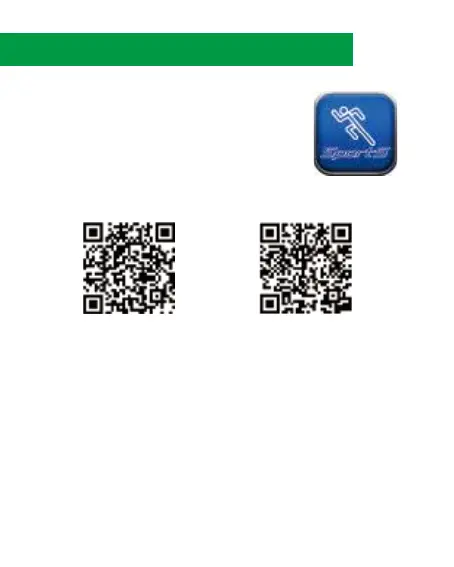
1. Download the App on your mobile phone.
Scan the below QR code or Search
[sports app] on the App Store or
[SportS watch] on Google play.
14. Connect with Mobile
15.
2. Turn on bluetooth both on mobile phone and the watch.
You will find the watch being detected by the App.
3. Follow below steps to synchronize your watch and mobile phone.
iOS Android
Note: Android runs on a wide range of device configurations, so there may have
compatible issues with some of Android devices.



 To Next Page