Return to contents page
Trouble shooting
Solutions:
Solutions:
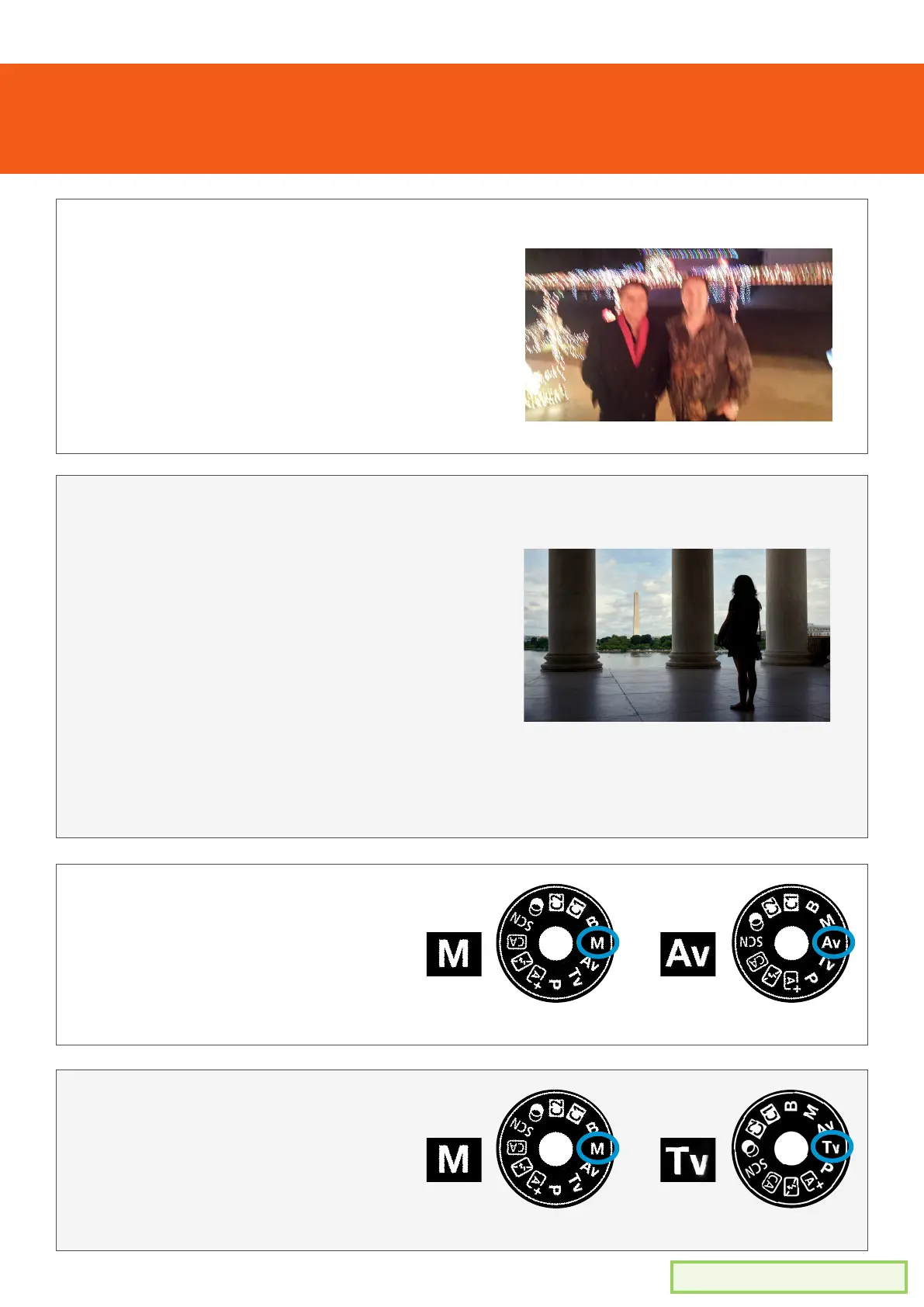
Blurry photos
Dark scene or subject
Can’t change aperture
Can’t change shutter speed
• Try holding the camera more steady
• Use a tripod to keep the camera steady
• Make the shutter speed faster (spin top
dial to the right)
Use the list below to help solve any issues you are having
• Move the camera position so the light
falls onto the subject (background light
can cause the subject to be dark
• Make the shutter speed slower (spin top
dial to the left)
• Change the aperture to be wider
(smaller number)
• Change the ISO to be a higher number
1. Ensure the camera mode dial
is set to either of these modes.
(aperture can’t be manually
changed in other modes)
1. Ensure the camera mode dial
is set to either of these modes.
(shutter speed can’t be manually
changed in other modes)
MANUAL
MANUAL
APERTURE
PRIORITY
SHUTTER
PRIORITY


 To Previous Page