• For details on ink lamp flashing speed, see Checking the Ink Status with the Ink Lamps.
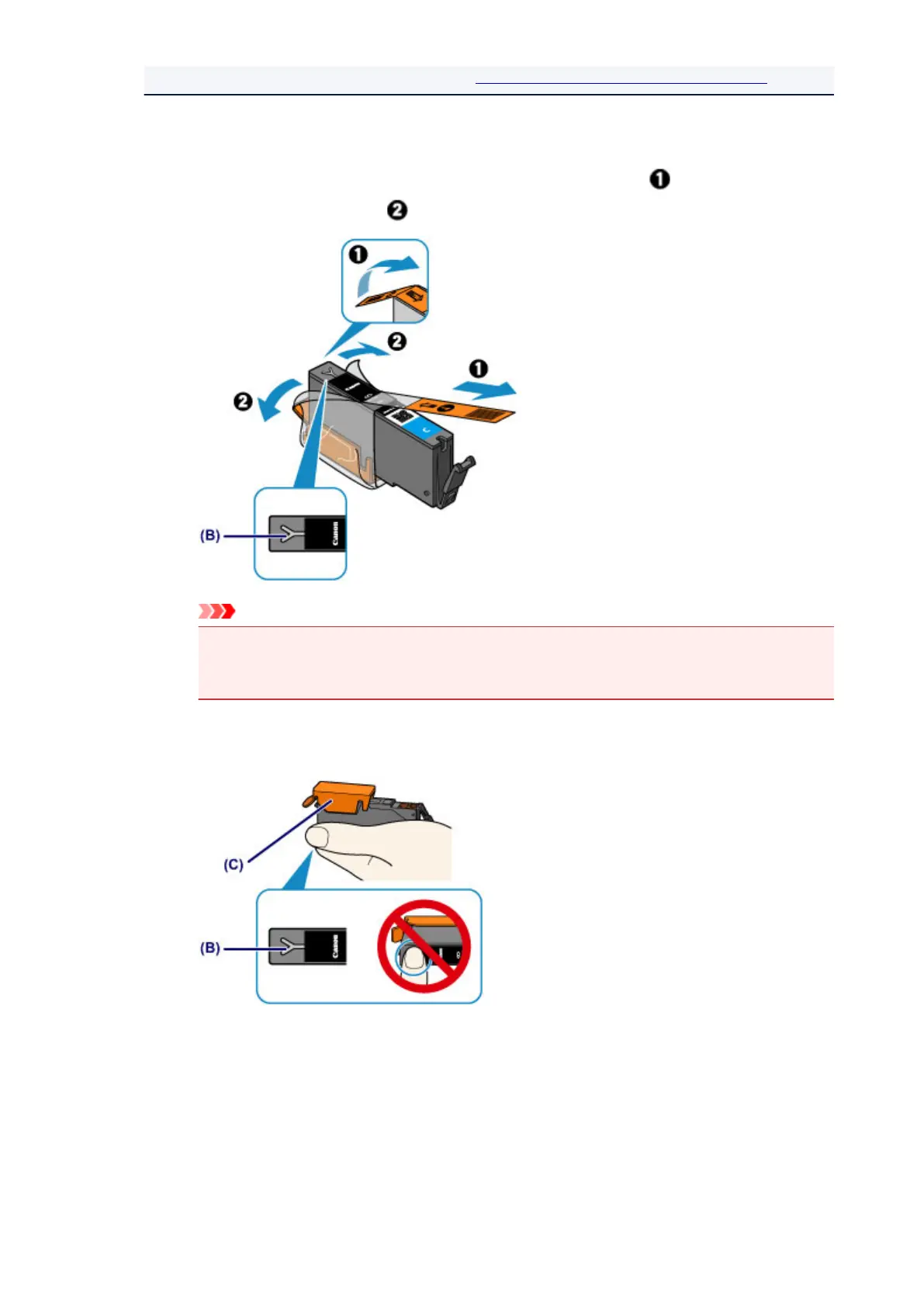
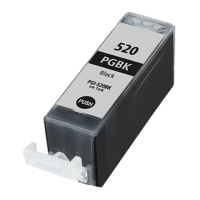
4. Prepare a new ink tank.
1. Take a new ink tank out of its package, remove the orange tape ( ) completely, then
remove the protective film ( ) completely.
Important
•
Handle an ink tank carefully. Do not drop or apply excessive pressure to it.
•
If the orange tape remains on the Y-shape air hole (B), ink may splash or the printer may not print
properly.
2.
Hold the ink tank with the orange protective cap (C) pointing up while being careful not to
block the Y-shape air hole (B).
3. Lift up the tab on the orange protective cap (C) to remove it off GENTLY.
72
This manual downloaded from http://www.manualowl.com






 To Next Page