EasyManua.ls Logo

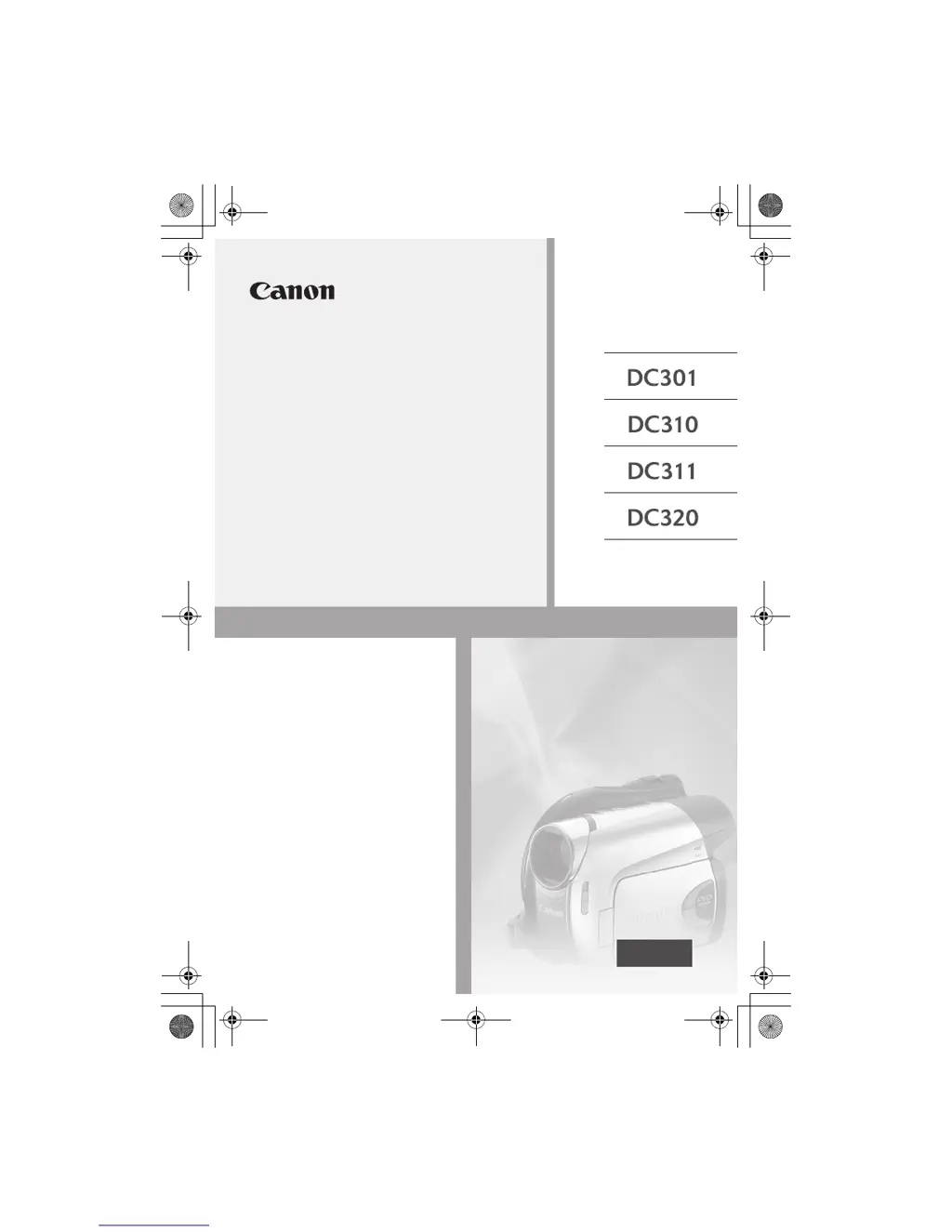
Canon DC311 - User Manual

Canon DC311
87 pages
Print Icon
To Next Page IconTo Next Page
Loading...
PUB. DIE-304
DVD Camcorder
Instruction Manual
PAL
D126_NTSC_PAL_E.book Page 1 Tuesday, January 15, 2008 12:15 PM

Table of Contents

Questions and Answers

  • W
    William ClarkAug 21, 2025
    How to fix Canon Camcorder that will not turn on?
    • A
      Alison CamposAug 22, 2025
      If your Canon Camcorder will not turn on or turns off unexpectedly, try these steps: First, replace or fully charge the battery pack. Second, ensure the battery pack is correctly attached. Finally, try using the compact power adapter.
  • N
    nunezcatherineSep 4, 2025
    What to do if Canon DC311 Camcorder is on but unresponsive?
    • J
      Jacqueline TapiaSep 4, 2025
      If your Canon Camcorder is on but unresponsive, it may have exceeded its operational temperature. Turn off the camcorder and allow it to cool down before resuming use.
  • G
    guzmanjacksonSep 2, 2025
    What to do if Canon Camcorder disc cannot be recognized?
    • A
      anthonygreenSep 3, 2025
      If the disc cannot be recognized by your Canon Camcorder, try cleaning the disc with a soft lens-cleaning cloth; if the problem continues, replace the disc. Also, check that the disc is correctly loaded. Finally, verify that your camcorder supports the type of DVD disc you inserted.
  • M
    Mark GarrettSep 1, 2025
    How to fix blurred viewfinder picture on Canon DC311 Camcorder?
    • T
      Todd MccoySep 1, 2025
      If the viewfinder picture on your Canon Camcorder is blurred, adjust the viewfinder with the dioptric adjustment lever.
  • B
    Bradley AdamsAug 30, 2025
    Why Canon Camcorder charge indicator flashes rapidly?
    • K
      Karen RobertsAug 31, 2025
      If the charge indicator on your Canon Camcorder flashes rapidly, this is not a malfunction. However, if you suspect the compact power adapter or the battery pack is faulty, consult a Canon Service Center.
  • J
    Janet KerrAug 29, 2025
    How to fix Canon DC311 video noise on TV screen?
    • L
      lori85Aug 29, 2025
      If video noise appears on the TV screen when using your Canon Camcorder, keep a distance between the compact power adapter and the power or antenna cables of the TV.
  • S
    sstevensAug 28, 2025
    How to eliminate video noise on Canon Camcorder screen?
    • T
      Theresa HarperAug 28, 2025
      If video noise appears on your Canon Camcorder screen, keep a distance when using the camcorder near devices that emit strong electromagnetic fields.
  • M
    Melissa RobinsonAug 27, 2025
    Why Canon DC311 Camcorder recording suddenly stops?
    • J
      James PatelAug 27, 2025
      If the recording on your Canon Camcorder suddenly stops shortly after starting, clean the disc with a soft lens-cleaning cloth and replace it if the problem persists. The camcorder may have exceeded its operational temperature; turn it off and let it cool down before resuming use.
  • H
    heather44Aug 25, 2025
    Why Canon Camcorder battery pack will not charge?
    • K
      Kimberly MckenzieAug 26, 2025
      If your Canon Camcorder battery pack will not charge, make sure you are charging it in temperatures between 0 °C and 40 °C. If the battery pack has become hot during use, wait until its temperature is below 40 °C for charging to begin. Check that the compact power adapter is correctly connected to the camcorder. If the issue persists, try using a different battery pack, as the current one might be damaged.
  • M
    Mark HallAug 23, 2025
    Why Canon DC311 will not focus?
    • D
      Douglas FordAug 23, 2025
      If your Canon Camcorder will not focus, try focusing manually. If you are using the viewfinder, adjust it with the dioptric adjustment lever. Also, clean the lens with a soft lens-cleaning cloth; never use tissue paper.

Canon DC311 Specifications

General IconGeneral
Digital zoom2000 x
Optical zoom41 x
Focal length range2.6 - 96.2 mm
Total megapixels0.54 MP
Optical sensor size1/6 \
Viewfinder resolution114000 pixels
Display diagonal2.7 \
Video out1
Auto focusYes
Still image resolution(s)1024 x 768
Camera shutter speed1/2000 - 1/6 s
Minimum illumination1.1 lx
Compatible memory cardsSD, SDHC
Product colorSilver
Weight and Dimensions IconWeight and Dimensions
Depth90 mm
Width126 mm
Height66 mm

Related product manuals