136
When you print directly from your camera to your printer, the printing
settings will be saved in your camera. To use the same settings again,
follow the steps below.
1
Connect the camera to a printer
and prepare for printing.
2
Playback the images and select
the ones to be printed.
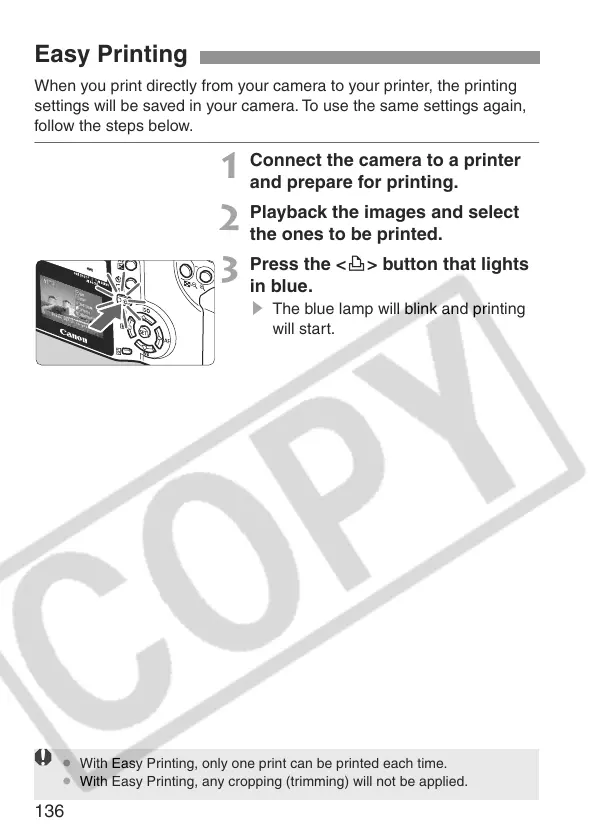
3
Press the <l> button that lights
in blue.
s The blue lamp will blink and printing
will start.
Easy Printing
¡ With Easy Printing, only one print can be printed each time.
¡ With Easy Printing, any cropping (trimming) will not be applied.






 To Next Page