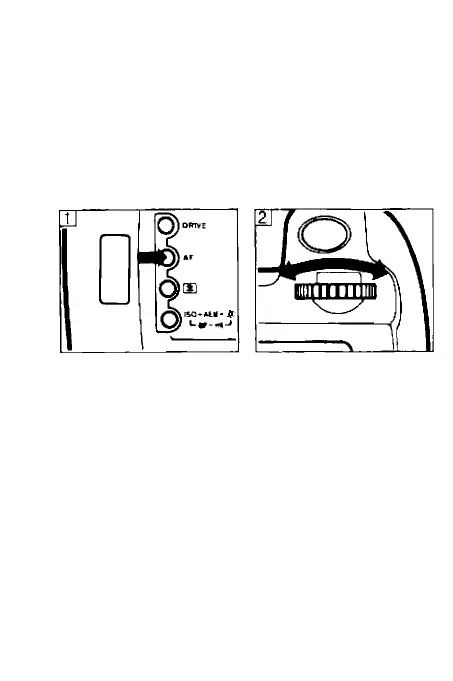
4. Selecting the AF Mode
When the subject is focused in One-shot AF
mode, the corresponding AF frame lights red in
the viewfinder, the in-focus indicator lights up
and a double beep is heard. At the same time,
the shutter speed and aperture value are dis
played in the viewfinder and LCD panel.
If you remove your finger after pressing the
shutter button to the halfway position, the in
focus indicator will disappear, but the camera
timer will keep the viewfinder and LCD panel
displays lit for six seconds.
28



 To Next Page