EasyManua.ls Logo

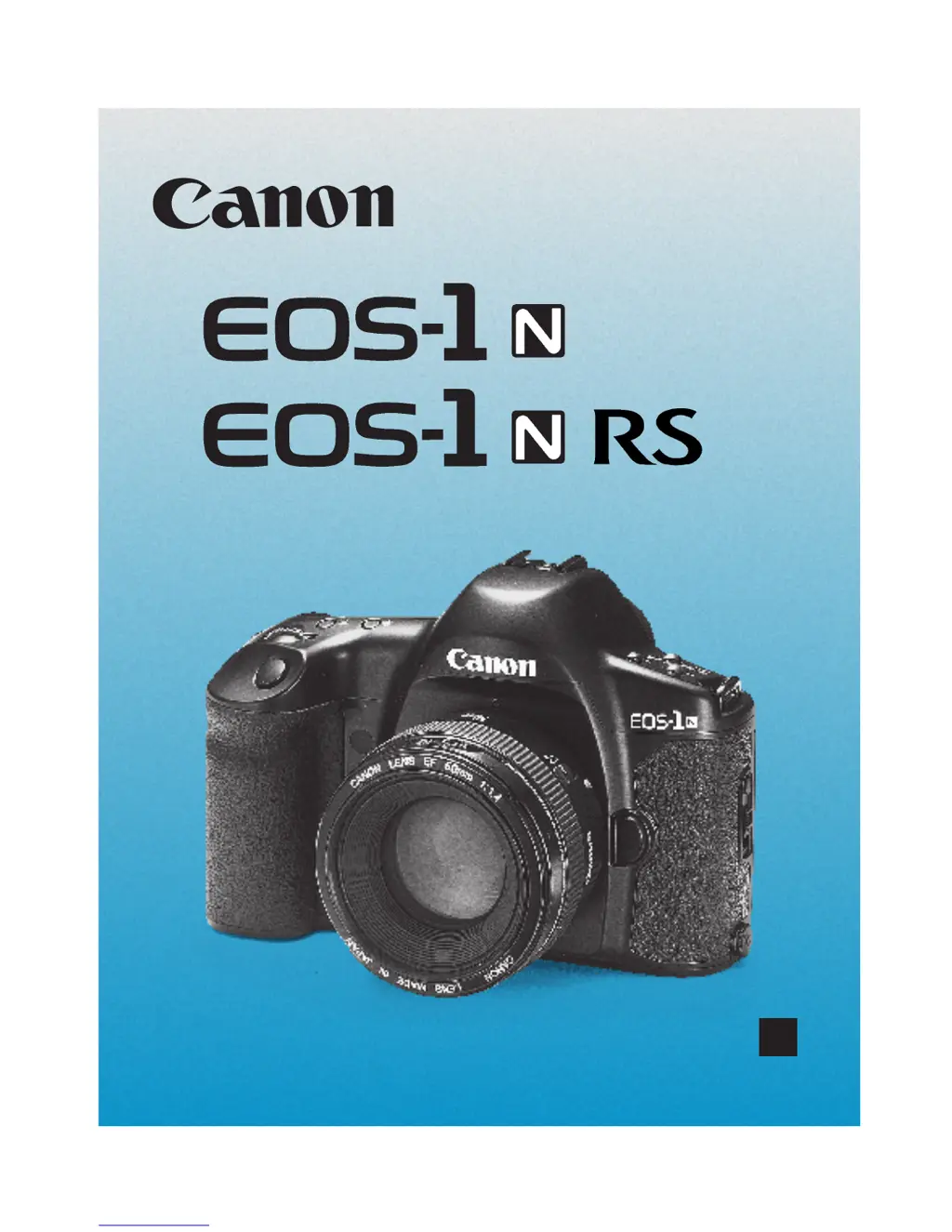
Canon EOS-1 - User Manual

Canon EOS-1
120 pages
Print Icon
To Next Page IconTo Next Page
Loading...
E
English Edition
INSTRUCTIONS
00. Part.0 RS (E) (P.01~12) 27-01-2003 11:51 Page 1

Table of Contents

Other manuals for Canon EOS-1

Questions and Answers

  • E
    Erica ThompsonAug 16, 2025
    What to do if my Canon Digital Camera won't shoot or record images?
    • H
      hsmithAug 16, 2025
      If your Canon Digital Camera isn't shooting or recording images, there might be a few reasons: * The CF card might not be correctly installed; ensure it is properly installed. * The CF card may be full; try using a new CF card or erasing unnecessary images. * The battery could be exhausted; try recharging the battery. * You may not have focused well; press the shutter button halfway to focus, or focus manually.
  • D
    Damon GarciaAug 18, 2025
    How to fix a Canon Digital Camera that is not recharging?
    • T
      Tyler PachecoAug 19, 2025
      If your Canon Digital Camera's battery cannot be recharged, it might be due to these reasons: * You might be using the wrong battery; make sure to use the dedicated Ni-MH Pack. * The battery might not be properly attached to the charger; attach the battery correctly to the charger.
  • W
    whendricksAug 21, 2025
    Why are my photos out of focus on my Canon EOS-1?
    • A
      Amy SanchezAug 22, 2025
      If the image from your Canon Digital Camera is out of focus: * Check if the lens focus mode switch is set to < > or < >. If so, set it to < >. * It's possible camera shake occurred when you pressed the shutter button. To prevent this, hold the camera still and gently press the shutter button.
  • M
    Matthew HenryAug 25, 2025
    What to do if my Canon EOS-1 Digital Camera says the CF card cannot be used?
    • F
      Fred MeltonAug 26, 2025
      To resolve the issue with your Canon Digital Camera's CF card, format the CF card. Also, ensure you are using the correct CF card.
  • L
    Lisa CervantesAug 27, 2025
    Why does my Canon Digital Camera keep turning off by itself?
    • K
      Kristina JacksonAug 27, 2025
      If your Canon Digital Camera turns off by itself, try setting the < > switch to < > again, or set auto power off to 'Off.'
  • B
    Benjamin PerezAug 30, 2025
    Why does the battery on my Canon EOS-1 become exhausted so quickly?
    • J
      Joshua LopezAug 30, 2025
      If your Canon Digital Camera's battery is draining quickly, it could be due to a couple of reasons: * The battery may not be fully charged; make sure to recharge it fully. * The battery's service life may have expired; consider replacing it with a new one.
  • R
    Ronald BrownSep 2, 2025
    Why is the LCD monitor on my Canon Digital Camera not displaying a clear image?
    • D
      Dana SanchezSep 2, 2025
      If the LCD monitor on your Canon Digital Camera doesn't display a clear image: * The LCD monitor screen might be dirty; use a soft cloth to clean it. * The LCD’s service life may have expired. Contact your dealer or Canon Service Center.
  • G
    Gina HernandezSep 5, 2025
    What does it mean when only the icon is displayed on my Canon EOS-1 Digital Camera's LCD panel?
    • L
      Lisa RobinsonSep 6, 2025
      If your Canon Digital Camera displays only the < > icon on the top LCD panel, it means the battery is almost exhausted. You should recharge the battery.
  • C
    Christopher ThompsonSep 8, 2025
    What to do if my Canon EOS-1 Digital Camera does not operate?
    • J
      Jennifer BrennanSep 8, 2025
      If your Canon Digital Camera does not operate even when the < > switch is set to < >, consider the following: * The battery may be exhausted; recharge it. * The battery may not be installed properly; ensure it is correctly installed. * The CF card slot cover might be open; push in the CF card until the CF card release button pops up, then close the CF card slot cover.
  • N
    Nichole SimsSep 12, 2025
    Why does the access lamp still blink on my Canon Digital Camera?
    • P
      Philip SanchezSep 12, 2025
      If the access lamp on your Canon Digital Camera continues to blink even when the < > switch is set to < >, the camera is still recording the image to the CF card. The access lamp will stop blinking and the power will turn off once the recording is complete.

Canon EOS-1 Specifications

General IconGeneral
Camera TypeDigital SLR
Image SensorCMOS
ViewfinderOptical
LCD Screen2.0 inch
StorageCompactFlash (Type I or II)
BatteryNP-E3 Ni-MH

Related product manuals