82
1. Setting and Resetting Custom Functions
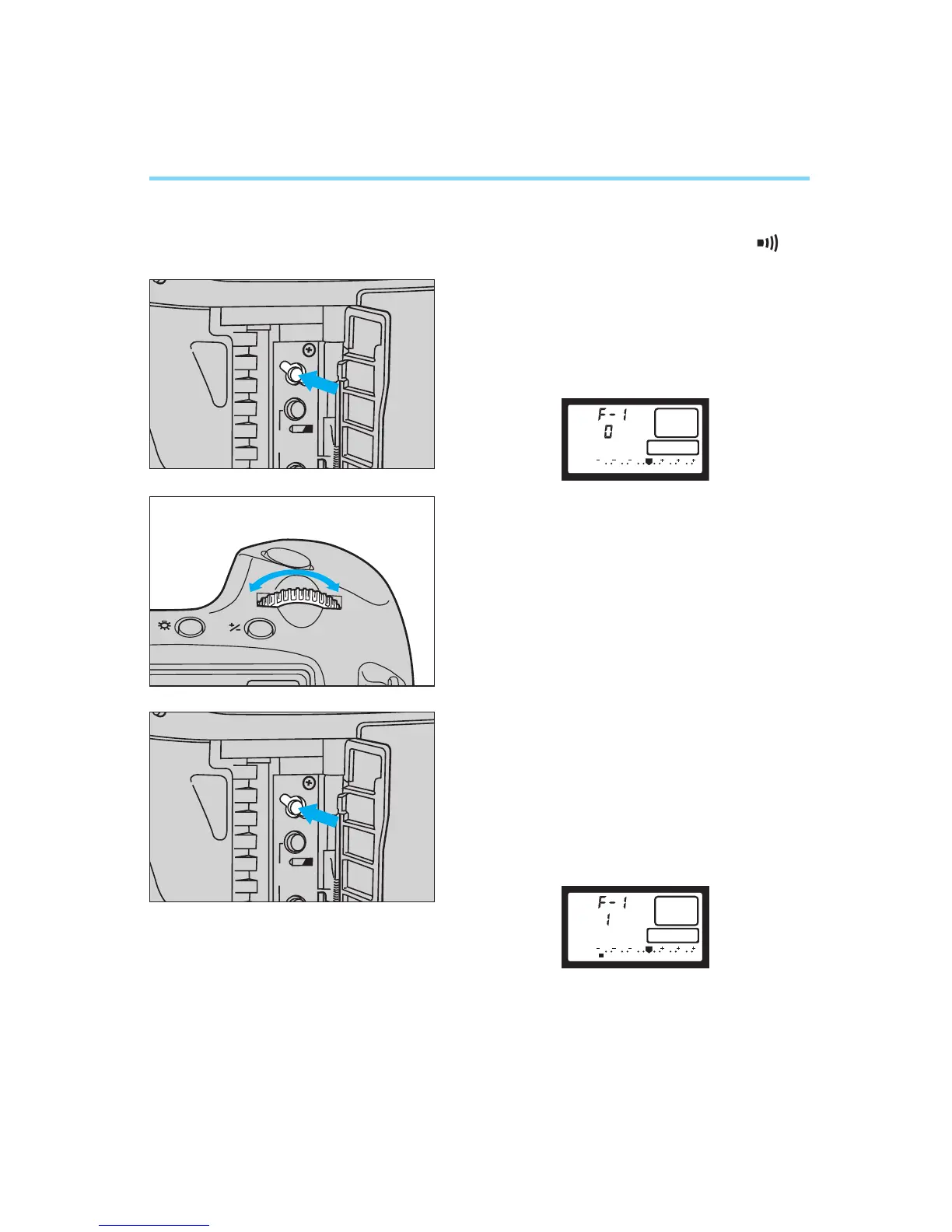
● Setting a Custom Function
1
Set the main switch to “A” or “ ”.
2
Open the palm door and press the
custom function button.
•A custom function number is displayed
in the LCD panel.
3
Turn the main dial to the left or right
until the desired custom function
number is displayed in the LCD
panel.
4
Press the custom function button
until the number corresponding to
the desired setting for the selected
custom function appears in the LCD
panel. The number changes each
time the custom function button is
pressed.


 To Next Page