67
2. Changing the Film Winding Mode
Two film winding modes are available: single exposure mode and continu-
ous exposure mode.
● Single Exposure ( )
The film advances one frame after each picture is taken. After taking a picture,
return the shutter button to the half-pressed position to prepare for the next expo-
sure while keeping the exposure value locked (possible only when camera is set to
One-shot AF and evaluative metering mode).
● Continuous Exposure ( )
Pictures are taken continuously at a rate of approx. 3 frames per second as long as
the shutter button is held pressed.
♦ Attaching the optional Power Drive Booster E1 provides the following two contin-
uous exposure modes:
● Continuous Exposure ( )
Pictures are taken continuously at a rate of approx. 3 frames per second as long as
the shutter button is held pressed.
● High-Speed Continuous Exposure ( )
Pictures are taken continuously at a rate of approx. 6 frames per second as long as
the shutter button is held pressed.
1
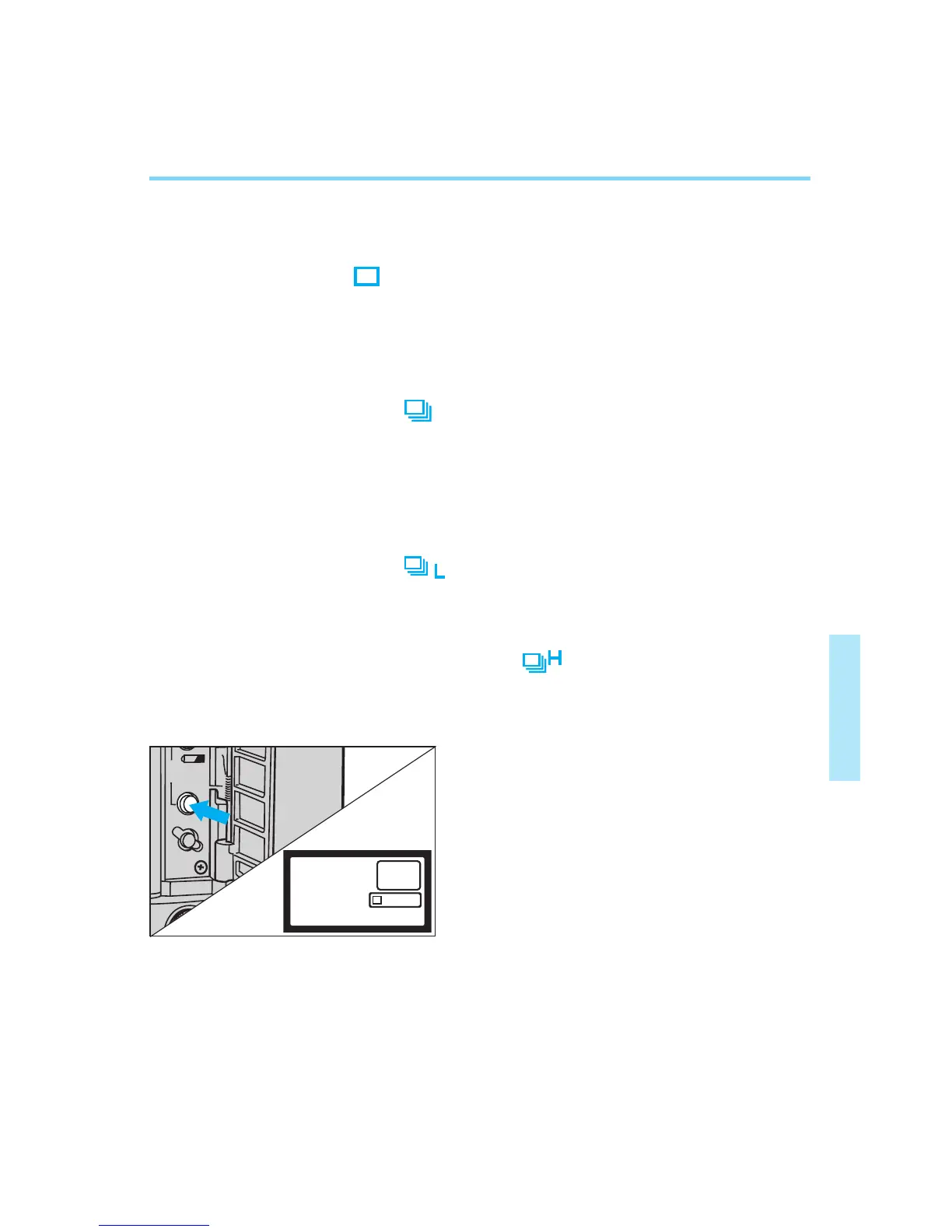
Open the palm door and press the
film winding mode selector.
• The current film winding mode is dis-
played in the LCD selector.
• The timer keeps the film winding mode
displayed for approx. 6 seconds after
you release the selector.


 To Next Page