49
2
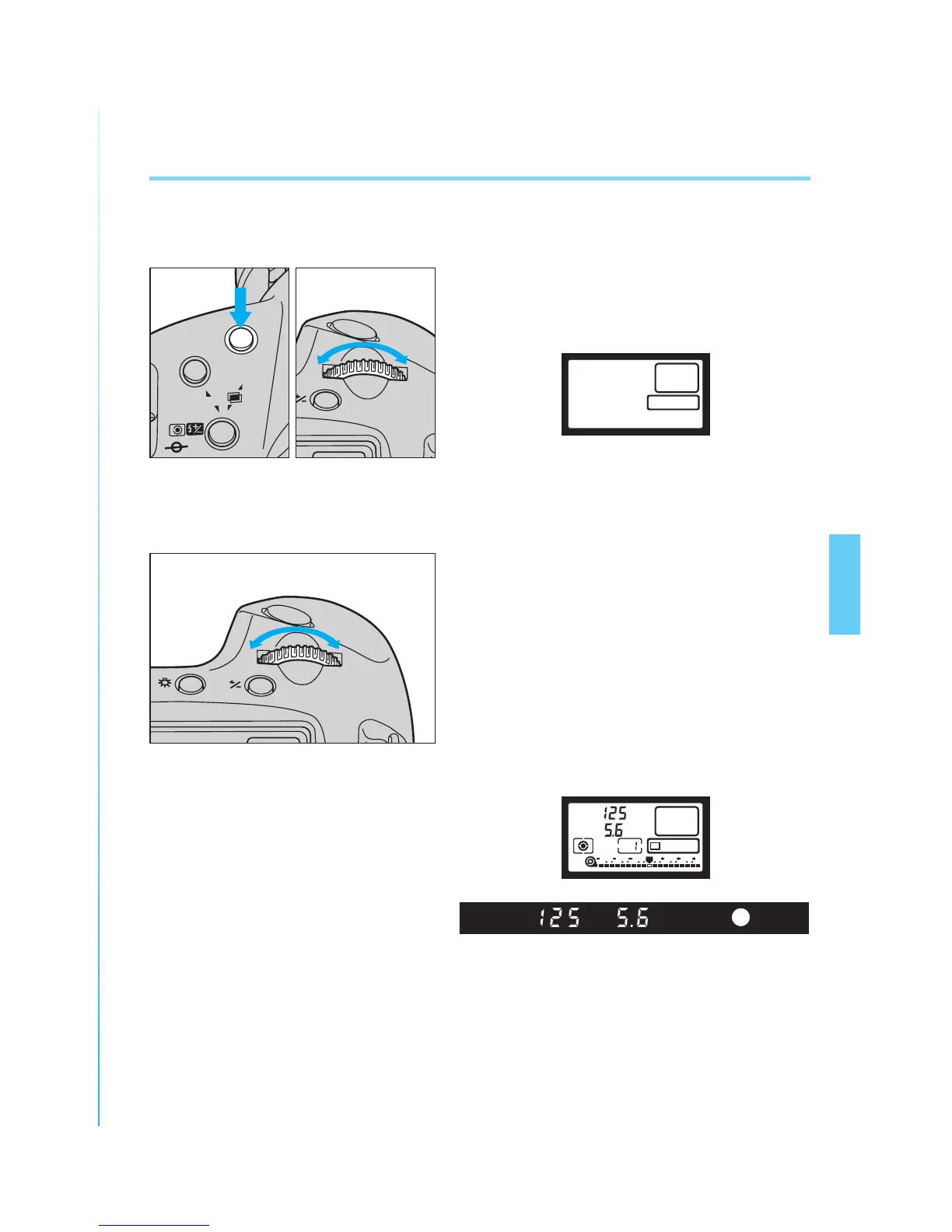
Release the shooting mode selec-
tor.
3
Turn the main dial until the desired
shutter speed appears in the
viewfinder or LCD panel.
4
Press the shutter button halfway to
focus the subject and confirm the
exposure.
• The shutter speed and corresponding
aperture value are displayed in the
viewfinder and LCD panel.
1. Shutter-priority AE [Tv]
In this mode, you set the shutter speed and the camera automatically sets
the aperture according to the lighting conditions.
1
While pressing the shooting mode
selector, turn the main dial until “Tv”
appears in the LCD panel.
v
T
ONE SHOT
3 2 1 1 2 3
v
T
0


 To Next Page