44
Exposure Compensation
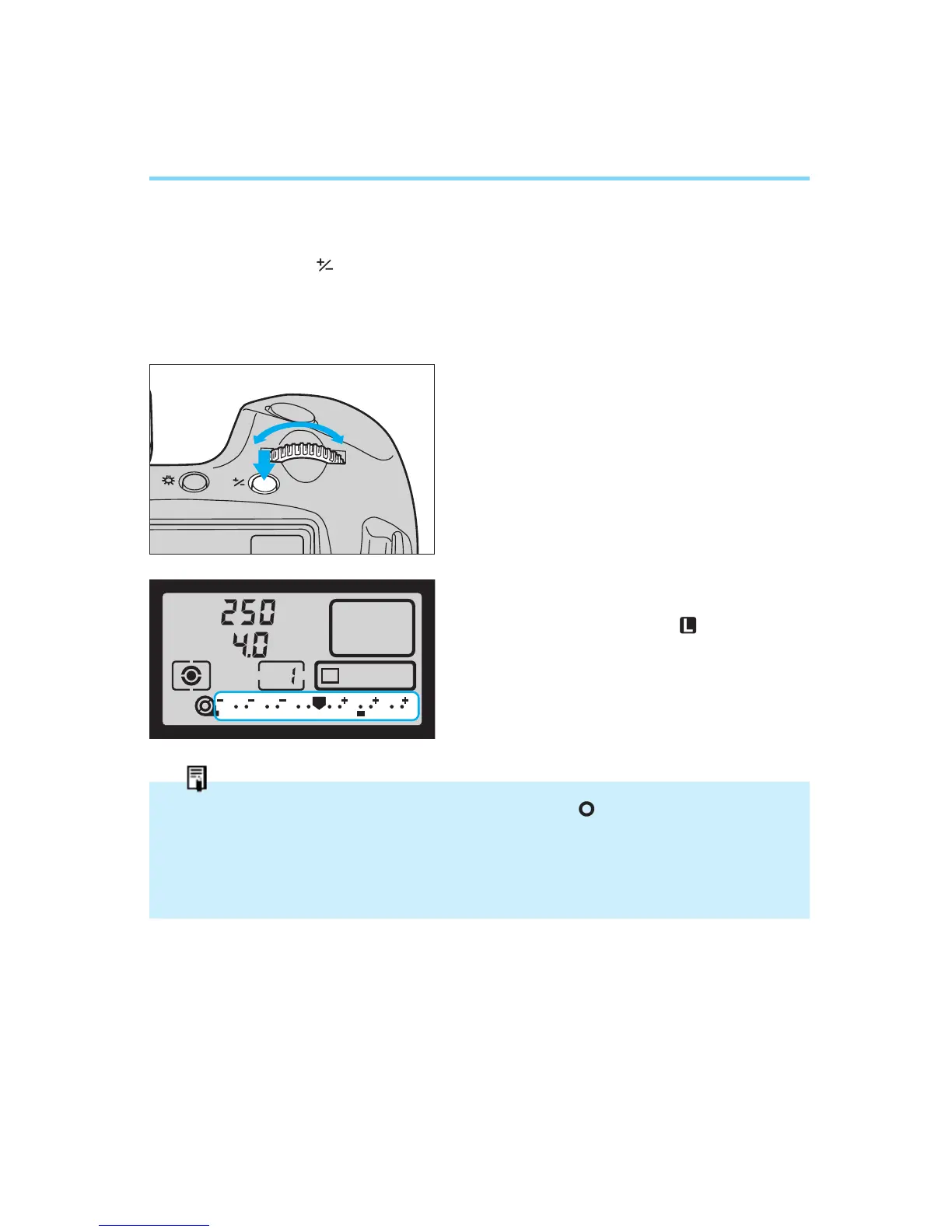
● Using the Exposure Compensation Button
Exposure compensation can also be carried out using the exposure com-
pensation button ( ) together with the main dial.
1
Focus the subject and confirm the
exposure.
2
Press and release the exposure
compensation button, then turn the
main dial (while the six-second timer
is activated) to set the desired expo-
sure compensation amount.
3
Take the picture.
• The set exposure compensation
amount is not canceled even if the
main switch is set to “ ”.
• It is recommended to set the quick control dial switch to to prevent accidental opera-
tion.
• The optionally available Command Back E1 does not have a quick control dial. When
using this command back, set the exposure compensation by turning the main dial
while pressing the exposure compensation button.
00. Part.2 RS (E) (P.28~47) 27-01-2003 11:56 Page 44


 To Next Page