One-shot/Manual AI Servo
Continuous exposure ( ) approx. 3 fps approx. 2.5 fps
68
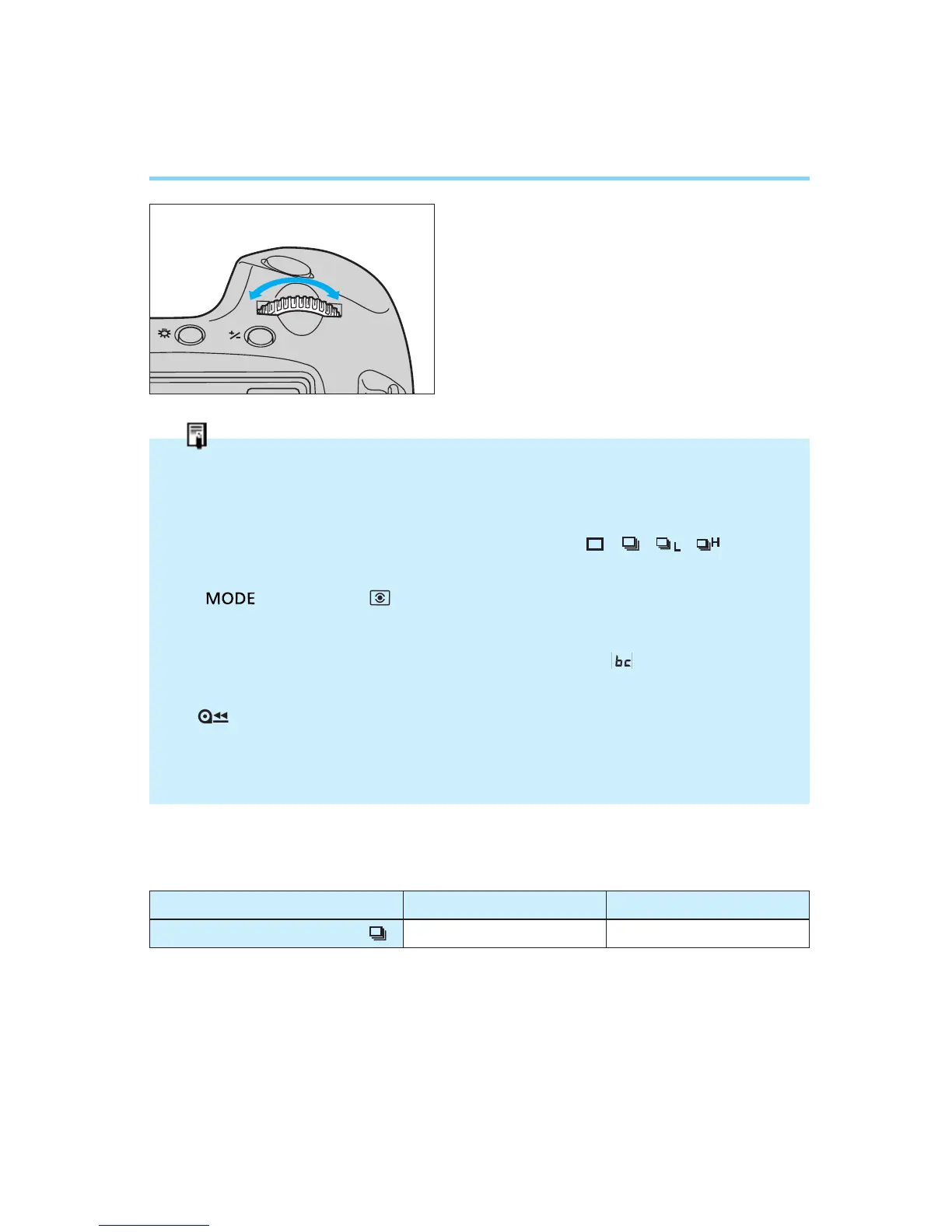
Changing the Film Winding Mode
2
Turn the main dial to the left or right
until the desired film winding mode
is displayed in the LCD panel.
3
To complete the setting, press the
shutter halfway or wait until the six-
second timer elapses.
Film Winding Automatic Gear Switching Function
If film winding becomes an excessive burden to the camera due to a sharp drop in battery
capacity (which can occur when shooting in a cold environment), the film winding system
automatically switches gears to reduce the winding speed and minimize battery drain.
When this occurs, one of the film winding mode indicators ( • • • ) blinks in
the LCD panel.
To cancel this function and return to normal-speed winding, open the palm door and press
the < > button and < > button simultaneously or when you replace the film or
battery. When the camera automatically switches to reduced-speed winding, check the
battery level (see page 15) and replace the battery or prepare a new battery as indicated.
• When film winding or rewinding stops in mid-operation, the “ ” indicator blinks in the
LCD panel. When the battery is replaced with a new one, film winding continues auto-
matically. If the camera stopped in the middle of rewinding, press the film rewind button
() to continue the rewinding operation.
• Do not dispose of the battery if its capacity drops due to cold shooting conditions. Its
capacity may return when it returns to normal temperature.
● Maximum Continuous Shooting Speed in Different AF Modes
(frames/sec.)


 To Next Page