261
1
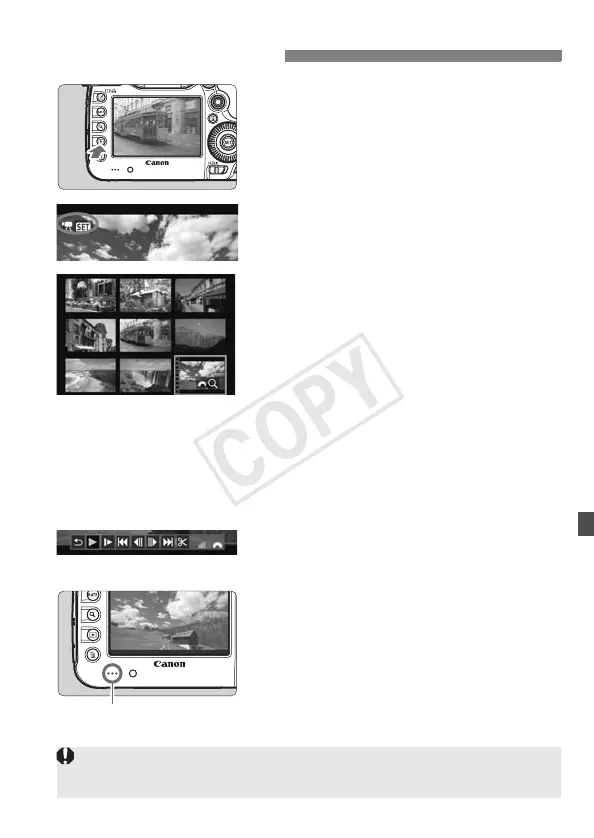
Play back the image.
Press the <x> button to display
images.
2
Select a movie.
Turn the <5> dial to select the
movie to be played.
With the single-image display, the
<1s> icon displayed on the
upper left indicates a movie.
On the index display, the perforations on
the left edge of the image indicates a
movie.
As movies cannot be played on
the index display, press
<0>
to
switch to the single-image display.
3
On the single-image display,
press <0>.
X The movie playback panel will appear
on the bottom.
4
Play back the movie.
Turn the <5> dial to select [7]
(Play), then press <0>.
X The movie will start playing.
You can pause the movie playback by
pressing <0>.
During movie playback, you can adjust the
sound volume by turning the <
6
> dial.
For more details on the playback
procedure, see the next page.
k Playing Movies
Speaker
Before listening to a movie through headphones, tone down the volume to
prevent hurting your ears.














 To Next Page