111
Playing and Erasing Recorded Images
5
Print Order
If the print type is [Index], you cannot specify both date and file number. Specify
one or the other.
Specifying File Number Printing
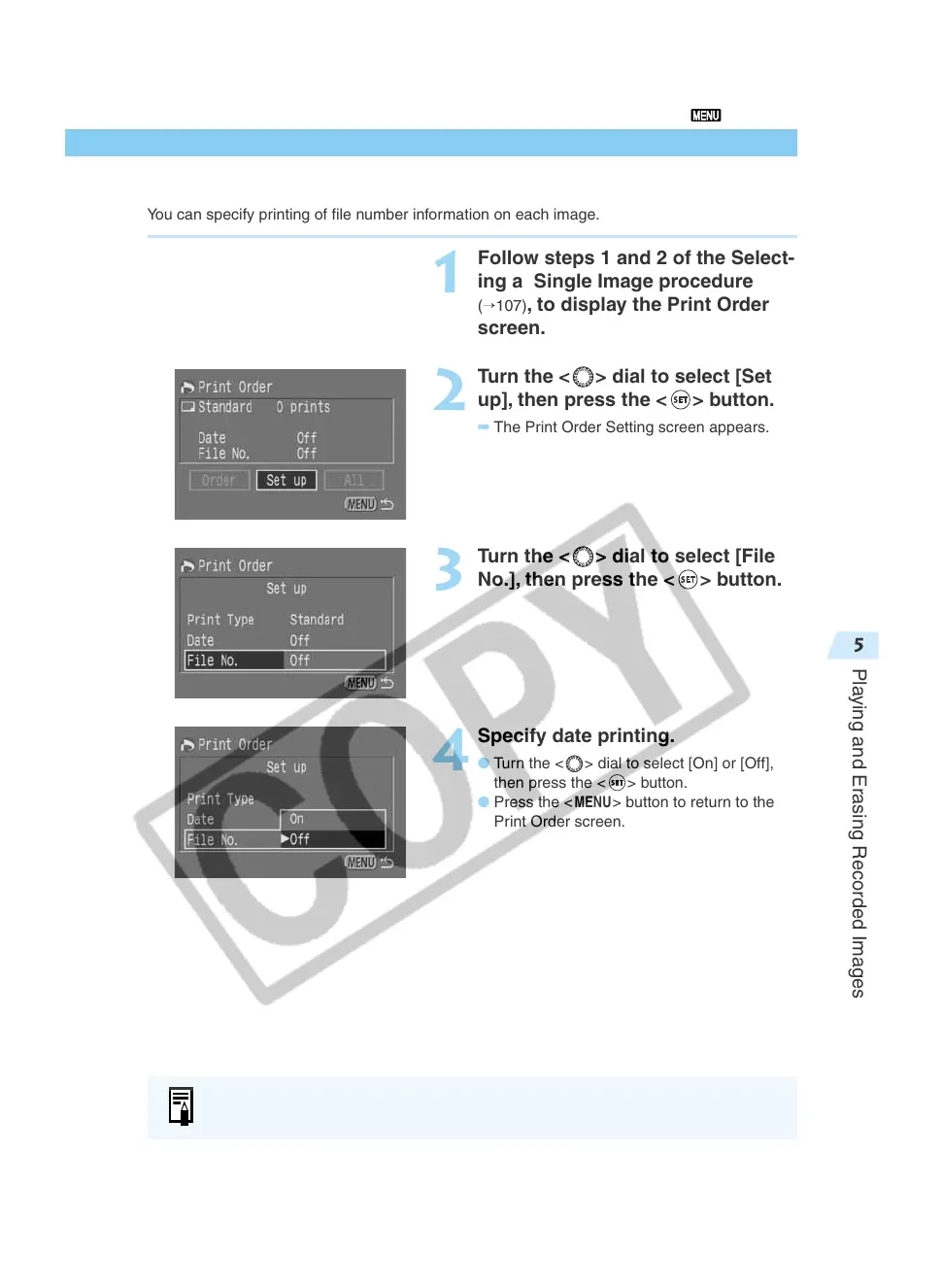
You can specify printing of file number information on each image.
1
Follow steps 1 and 2 of the Select-
ing a Single Image procedure
(→107), to display the Print Order
screen.
2
Turn the < > dial to select [Set
up], then press the <
> button.
➡ The Print Order Setting screen appears.
3
Turn the < > dial to select [File
No.], then press the <
> button.
4
Specify date printing.
● Turn the < > dial to select [On] or [Off],
then press the <
> button.
● Press the <
MENU
> button to return to the
Print Order screen.













 To Next Page