121
Menu Function Settings
6
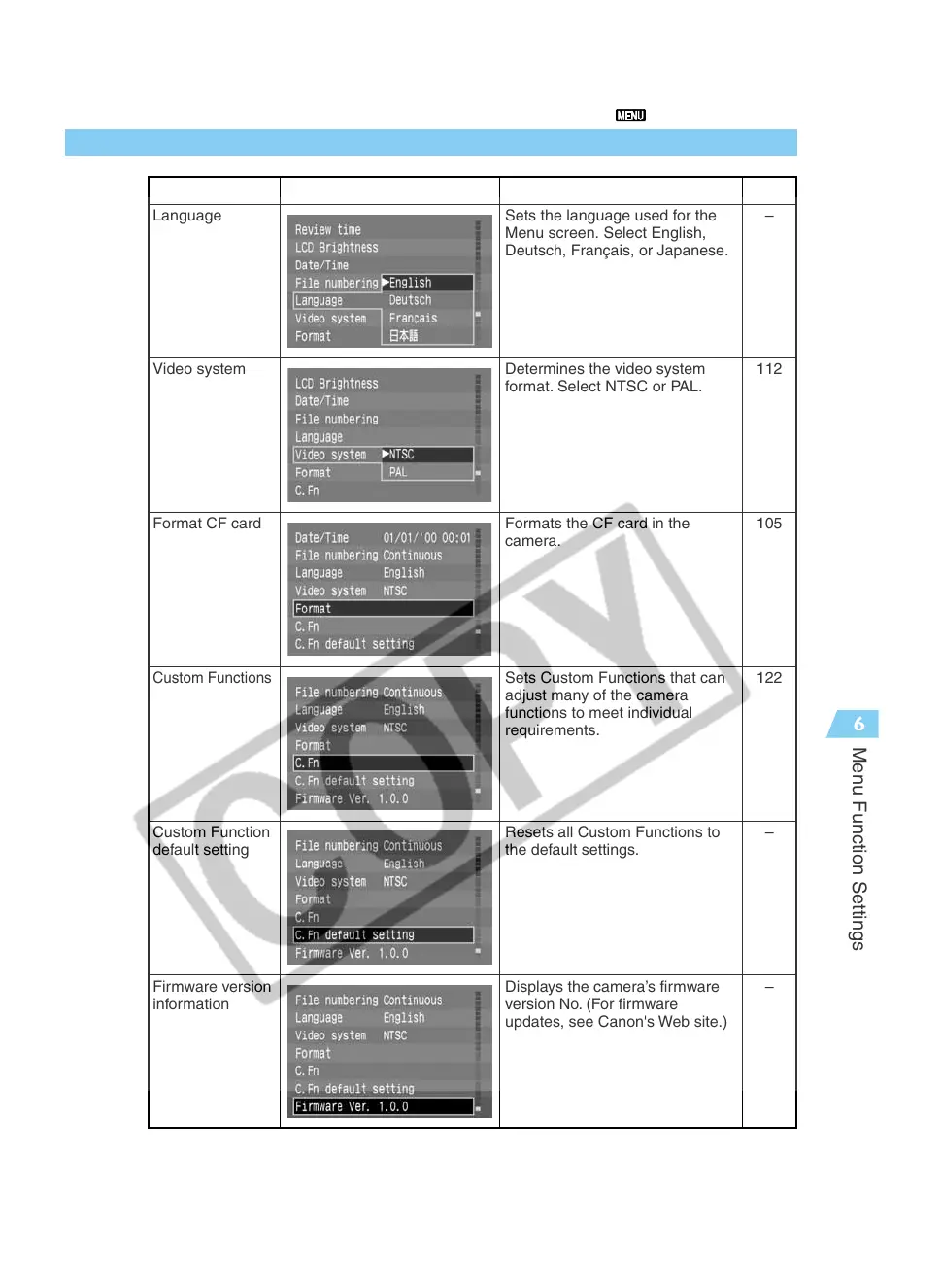
List of Menu Functions
Item Screen Description
See page
Language
Video system
Format CF card
Custom Functions
Custom Function
default setting
Firmware version
information
Sets the language used for the
Menu screen. Select English,
Deutsch, Français, or Japanese.
Determines the video system
format. Select NTSC or PAL.
Formats the CF card in the
camera.
Sets Custom Functions that can
adjust many of the camera
functions to meet individual
requirements.
Resets all Custom Functions to
the default settings.
Displays the camera’s firmware
version No. (For firmware
updates, see Canon's Web site.)
–
112
105
122
–
–



 To Next Page