$ <sic
recording
:::
i electing the Size and Quality of
Photos
The camcorder offers 3 photo sizes and 3 levels
of
photo quality. As a
general rule, select a larger photo size for higher quality.
~
/1ifD
/
IDID
Select the
[lW
1152x648] size for photos with
an
aspect ratio
of
16:9.
;lIt
See Selecting Photo Size
and
Quality, 60 for the approximate
number
of
photos that can be recorded on a memory card and the print
size recommended for each photo size.
You need
to
access the FUNC. menu to select the photo size and quality,
but the settings selected will apply also when the camcorder is set
to
Dual
Shot.
lilt
See Using the Menus, 27 for details about selecting
an
option from
the FUNC. menu.
1
40
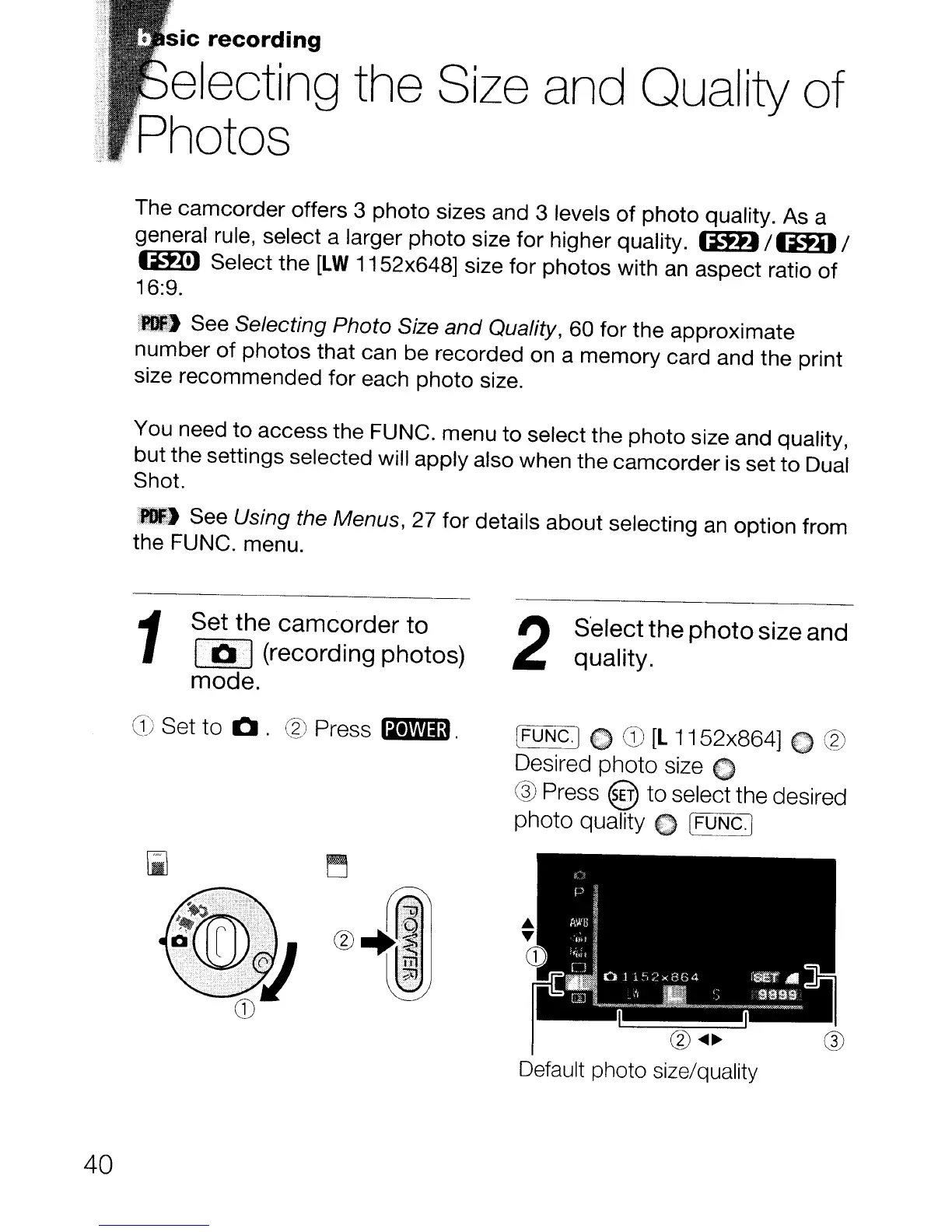
Set the camcorder to
10·]
(recording photos)
mode.
G)
Set
to
Q.
® Press
1m!lm1.
2
S'elect the photo size and
quality.
(FUNC.] C
CD
[l
1152x864] 0 ®
Desired
photo
size 0
® Press @
to
select the desired
photo quality
€I)
[FUNC.]
@
....
~
Default photo size/quality



 To Next Page