• .
sic
playback
{laying Back Movies and
iewing Photos
The basic playback screen is the index screen. Using the tabs at the
top
of
the index screen you can select what recordings
to
playback (movies
or photos) and what memory
to
play back (built-in memory or memory
card,
~/IiHI/ati!)
only).
lIi~~
See Playing Back the Video, 38; Viewing Photos, 62 for details about
advanced playback modes.
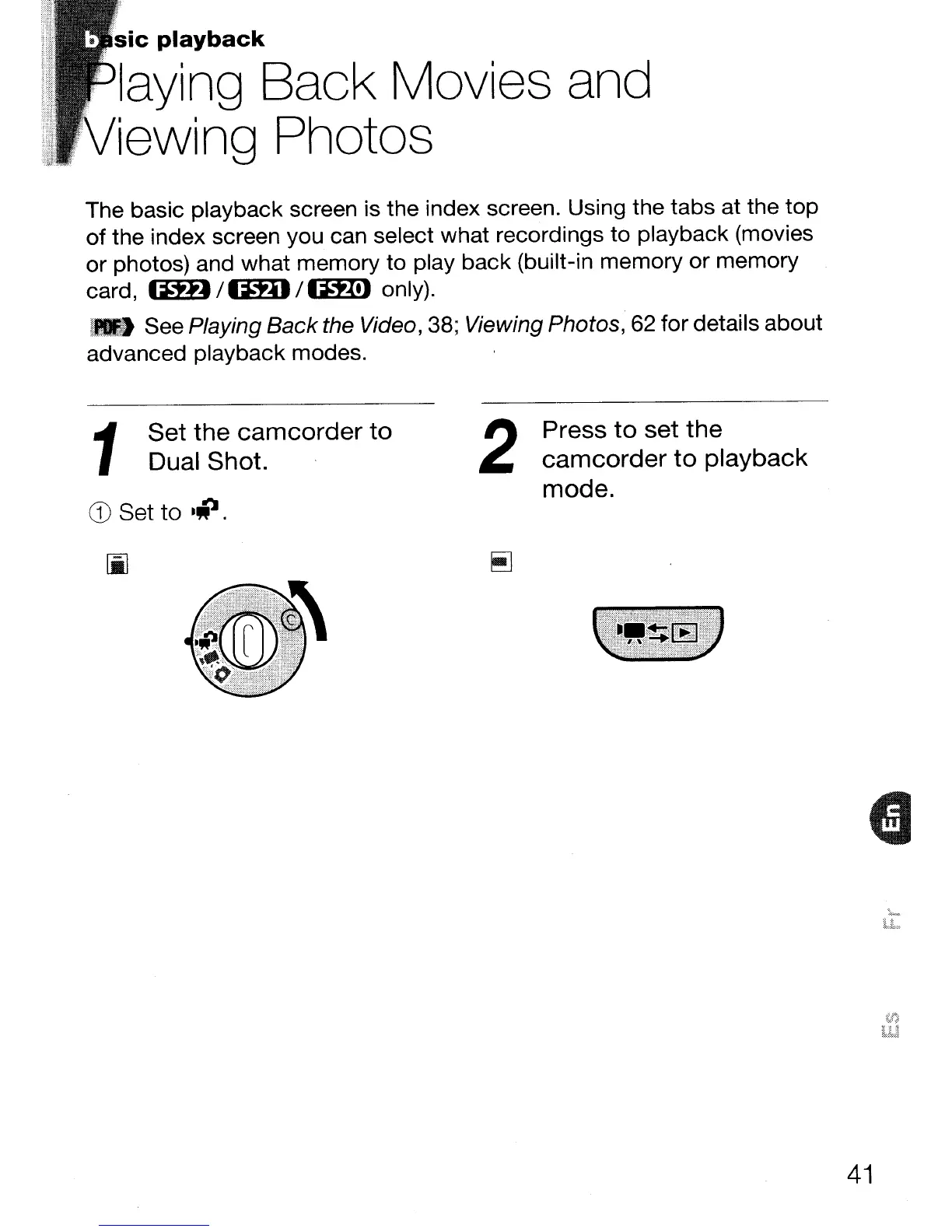
CD
Set
to
·iI.
1
Set the
camcorder
to
Dual Shot.
2
Press
to
set the
camcorder
to
playback
mode.
41



 To Next Page