93
[ DVD BURNER]: To connect exclusively to the optional DW-100 DVD Burner.
[
PC/PRINTER]: To connect to a computer, a printer or similar USB peripherals.
[
CONNECT&SET]: To make the selection from a screen that appears at the time of the
connection to the external device.
[FIRMWARE]: You can verify the current version of the camcorder's firmware. This menu
option is usually unavailable.
Dat e/Time S etup
DATE/TIME SETUP
[DATE FORMAT]: Select the date format to be used for most on-screen displays, and (if
selected) for the date printed on photos.
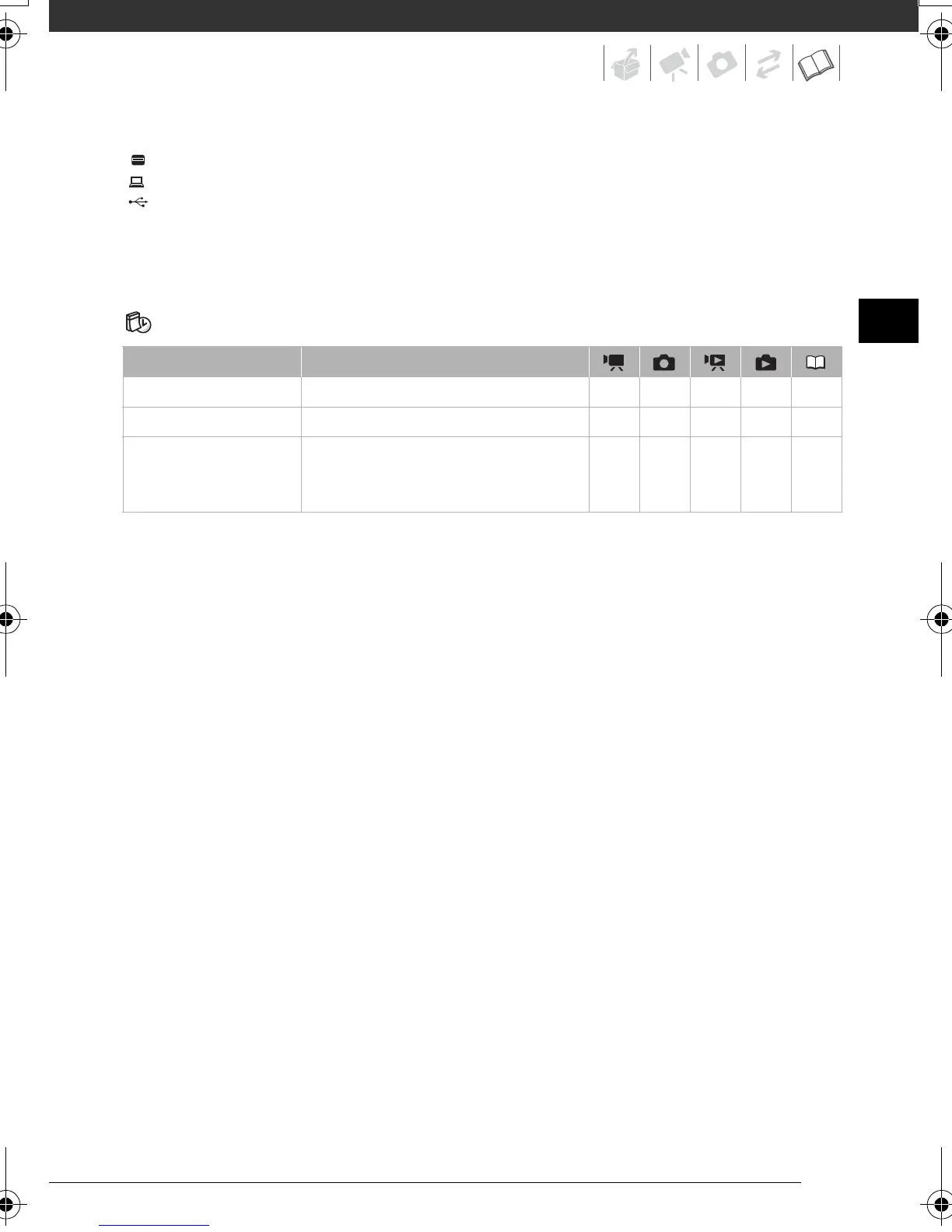
Menu item Setting options
[T.ZONE/DST] List of world time zones. zzzz26
[DATE/TIME] – zzzz25
[DATE FORMAT] [Y.M.D (2008.1.1 AM 12:00)],
[M.D,Y (JAN. 1, 2008 12:00 AM)],
[D.M.Y (1.JAN.2008 12:00 AM)]
zzzz –
D128_PAL_E.book Page 93 Thursday, March 6, 2008 7:53 PM



 To Next Page