2
Setting Up
1 Preparing the Printer
1
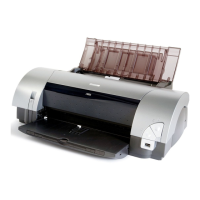
Place the printer on a flat surface.
2
Remove the shipping materials from the
printer.
2 Connecting the Printer to the Computer
• Never attempt to plug the power cord into the power outlet or unplug the power cord when your
hands are wet.
• Never damage, modify, stretch, or excessibly bend or twist the power cord. Do not place heavy
objects on the power cord.
• Never use any power supply other than the standard power supply available in the country of
purchase. Using the incorrect voltage and frequency could cause a fire or electric shock.
• Always push the plug all the way into the power outlet.
• If your computer has an infrared communication feature, you can print data without connecting a
USB cable. After connecting the universal AC adapter, proceed to “Installing the Print Head” on
page 3.
• If your computer has an earth connection, ensure that this is attached.
• If you do not intend to use the printer for a long period of time, unplug the power cord from the
power outlet after turning off the printer.
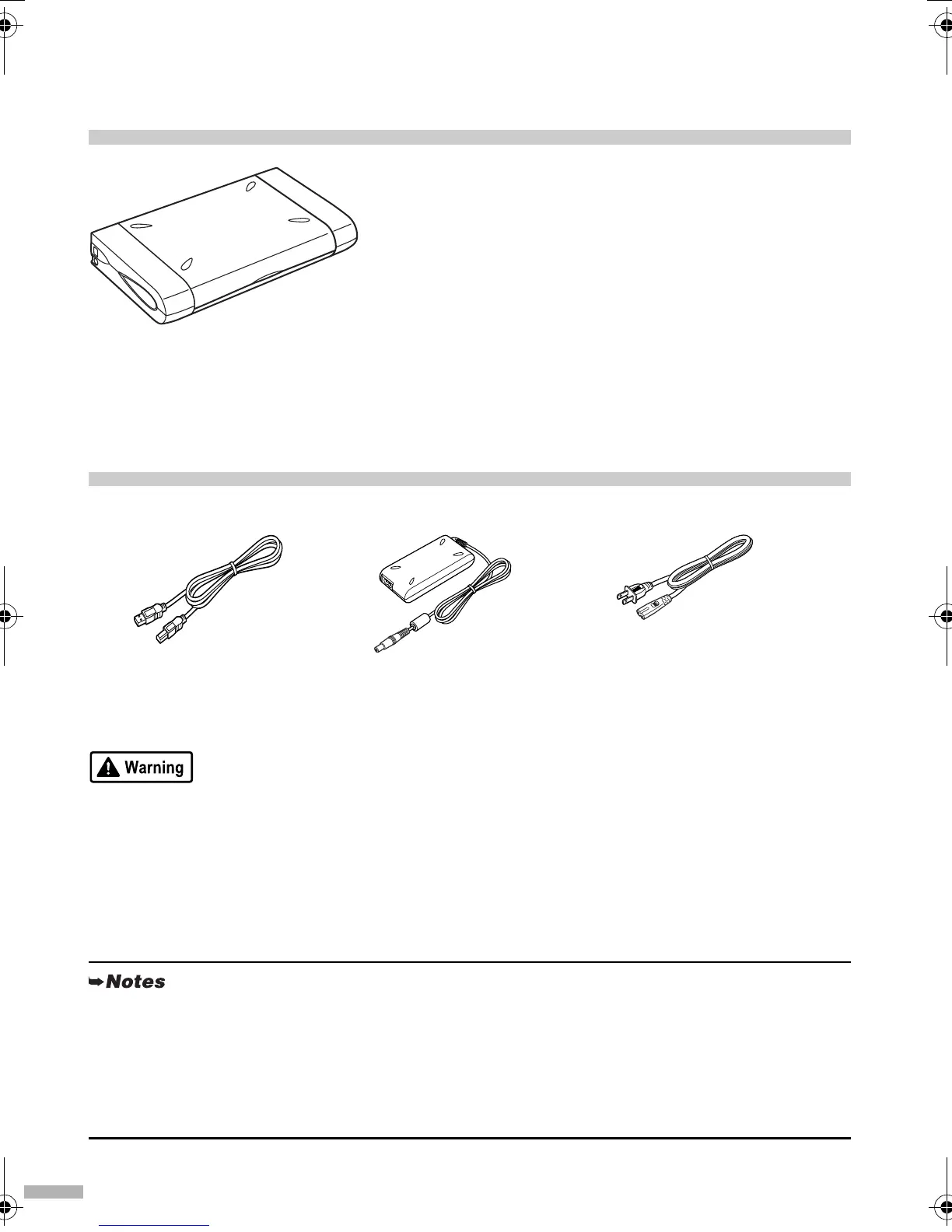
USB cable Universal AC adapter Power cord
Recommended: Canon or
other computer manufacturer
cable, up to 5 meters in length
The power cord shape defers
with countries.
i80.fm Page 2 Monday, September 29, 2003 4:59 PM



 To Next Page