2-31
2
Installing Canon Advanced Raster Printing System
■
■■
■
Windows XP Add Printer Wizard
Windows XP Add Printer WizardWindows XP Add Printer Wizard
Windows XP Add Printer Wizard
The following is the installation procedure of Add Printer Wizard, under Windows XP.
1 Log on as member of Administrators. The full control access right for the printer is necessary
for the installation of CARPS.
2 From the Start menu, select Printers and Faxes. The Printers and Faxes folder appears.
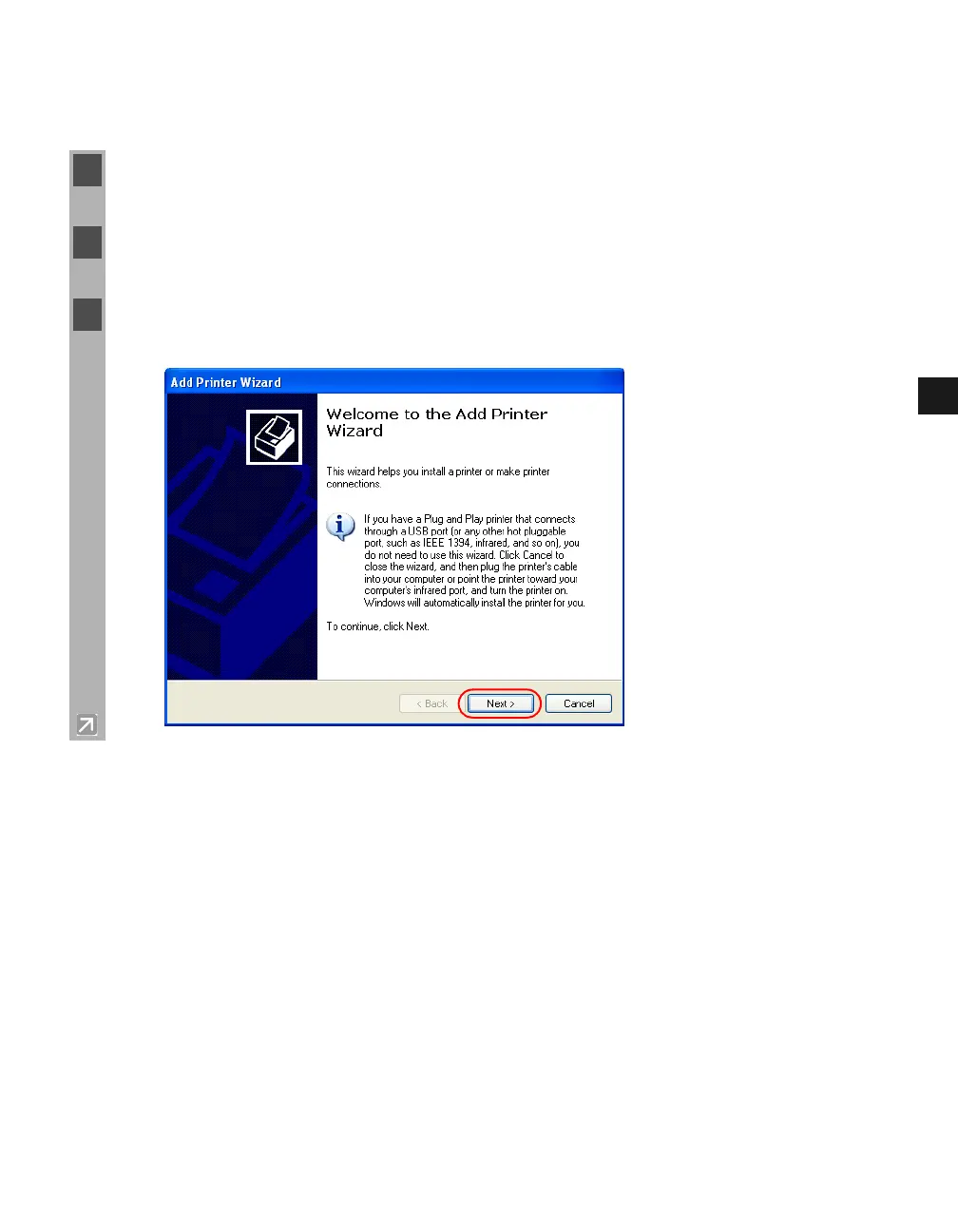
3 In Printer Tasks, click Add a printer. The Add Printer Wizard dialog box appears. Click
Next.














 To Next Page