Conguring the Method of
Connecting to a Computer
About Application Library*
Application Library is an application
that allows you to use useful functions
for routine jobs or other convenient
functions in a one-touch operation
without necessity of making functional
settings every time. You can access each
registered function by simply pressing
the appropriate button displayed in
the Home screen. For the respective
function, see the description displayed in
the Setup Guide.
* This function may not be available, depending
on the model of the machine.
1.
2.
Configure the initial settings, according to the
screen.
• Set the language and country/region.
• Set the time zone and current date/time.
Before starting the configuration
• The machine cannot be connected to
both wired and wireless LANs at the
same time.
• If the machine is connected to an
unsecured network, your personal
information might be leaked to a third
party. Please be aware and careful of this.
• The machine does not come with a
router. Please have one ready, if necessary.
• Even in an environment without wireless
LAN router, you can use Access Point
Mode to make a wireless connection to
the machine directly from your mobile
device (Direct Connection).
User's Guide
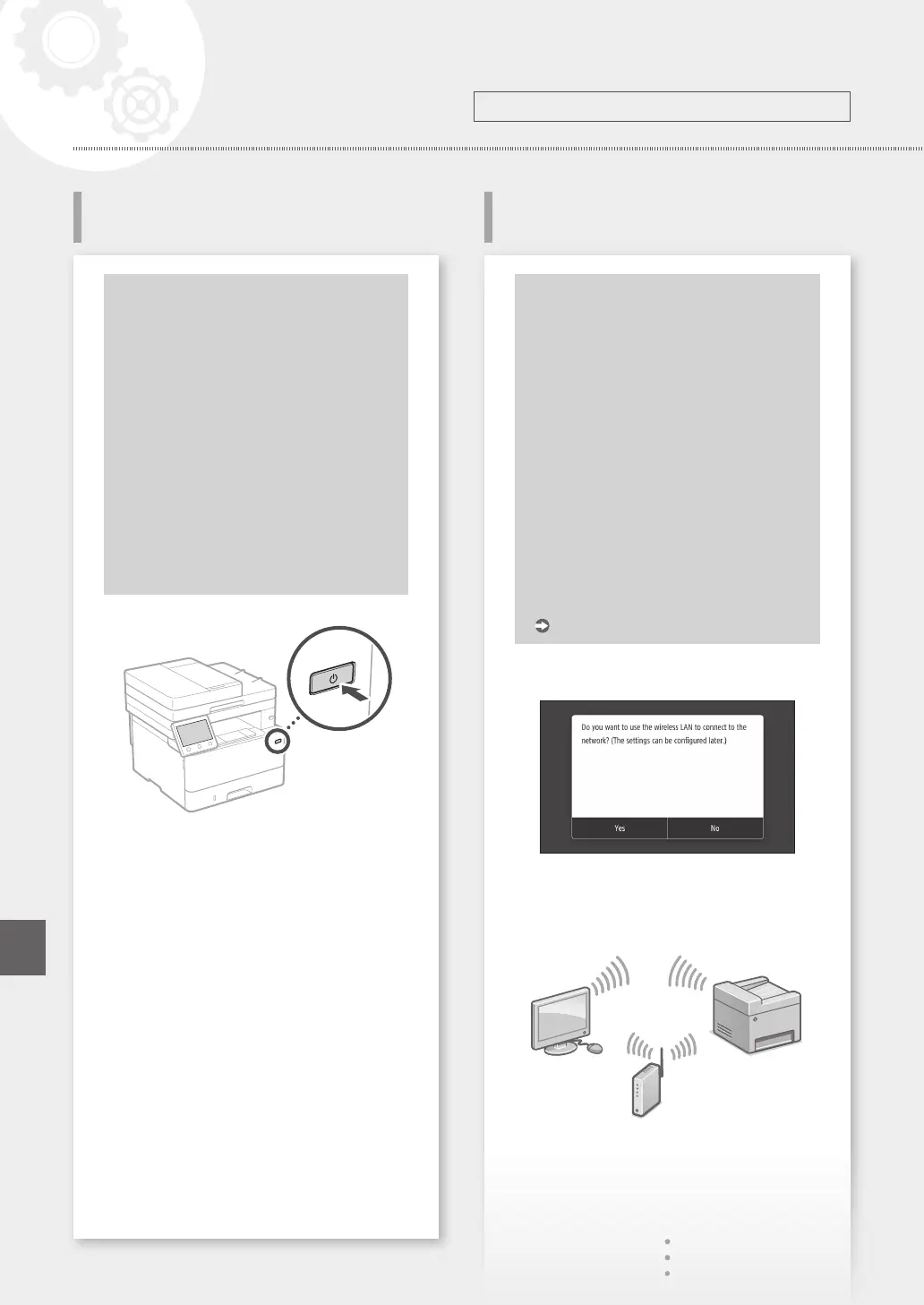
Specifying the connection method
• To connect via wireless LAN : <Yes>
• To connect via wired LAN or USB : <No>
To connect via wireless LAN
1.
Make sure that the computer is connected to a
router properly.
2.
Check the network settings on the computer.
8
Conguring the Machine
Conguring the Initial Settings of
the Machine
Configure the settings in the following order.
Quick Setup
En













 To Next Page