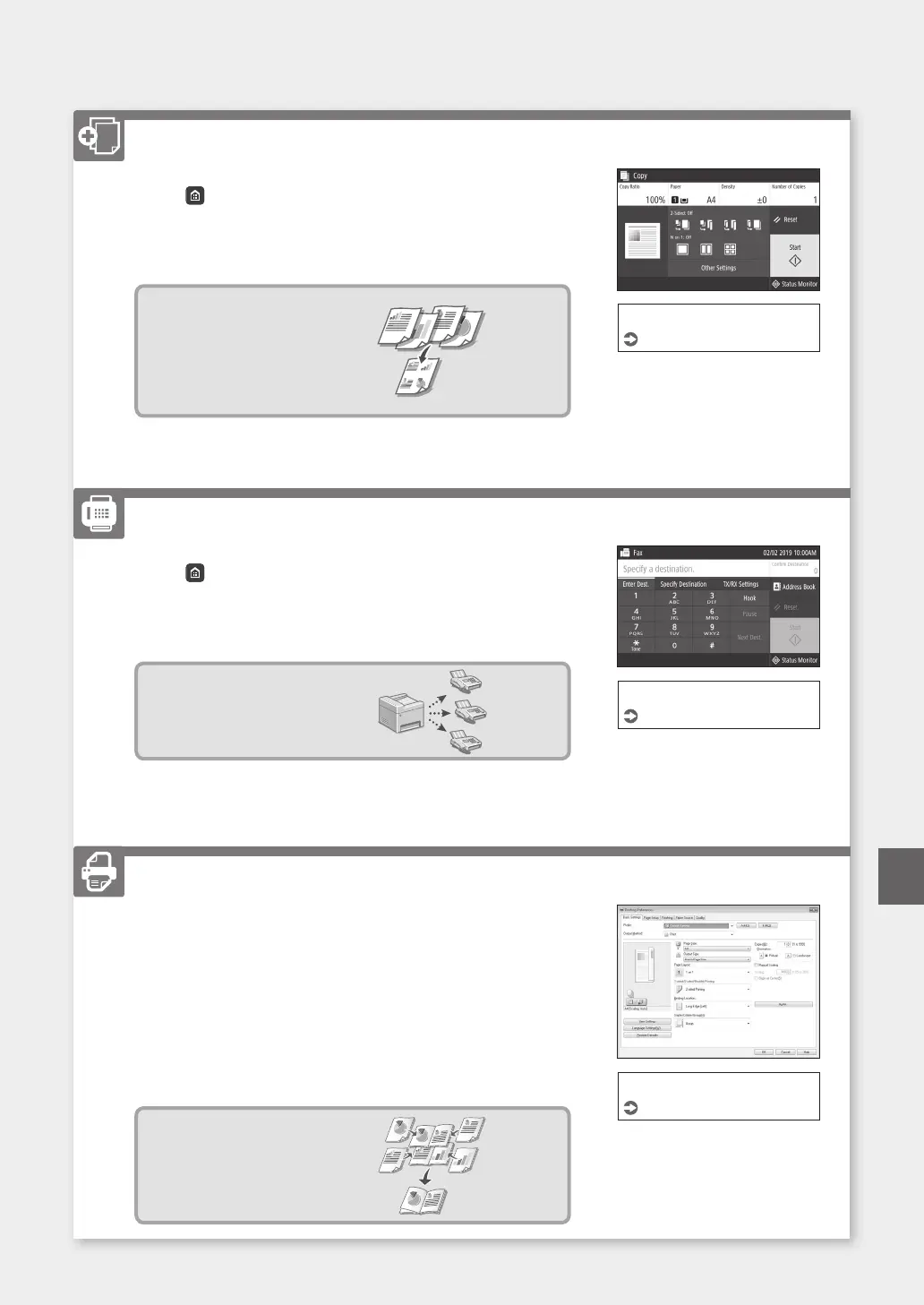
1. Place the original.
2. Press
,andthenselect<Copy>.
3. Specify the copy settings, as necessary.
4. Enterthedesirednumberofcopies.
5. Select<Start>.
Useful copy functions
■
N on 1
■
2-Sided or 1-Sided
■
Enlarging or reducing
■
Copying ID cards
■
Passport Copy
1. Place the original.
2. Press
,andselect<Fax>.
3. Enterthedestinationinformation.
4. Specify the fax settings, as necessary.
5. Select<Start>.
Useful fax functions
■
Sequential Broadcast
■
Memory Reception
■
PC Fax
1. Openthedocumenttoprint,andselecttheprintfunctionofthe
application.
2. Selecttheprinterdriverforthemachine,andselect[Preferences]or
[Properties].
3. Specifythepapersize.
4. Specify the paper source and paper type.
5. Specify the print settings, as necessary.
6. Select[OK].
7. Select[Print]or[OK].
Useful print settings
■
2-sided
■
N on 1
■
Booklet Printing
For details
"Copying" in the User's Guide
Faxing*
* This function may not be available, depending on the model of the machine.
For details
"Faxing" in the User's Guide
Printing
For details
"Help" on the printer driver
31
QuickOperation
Copying
En













 To Next Page