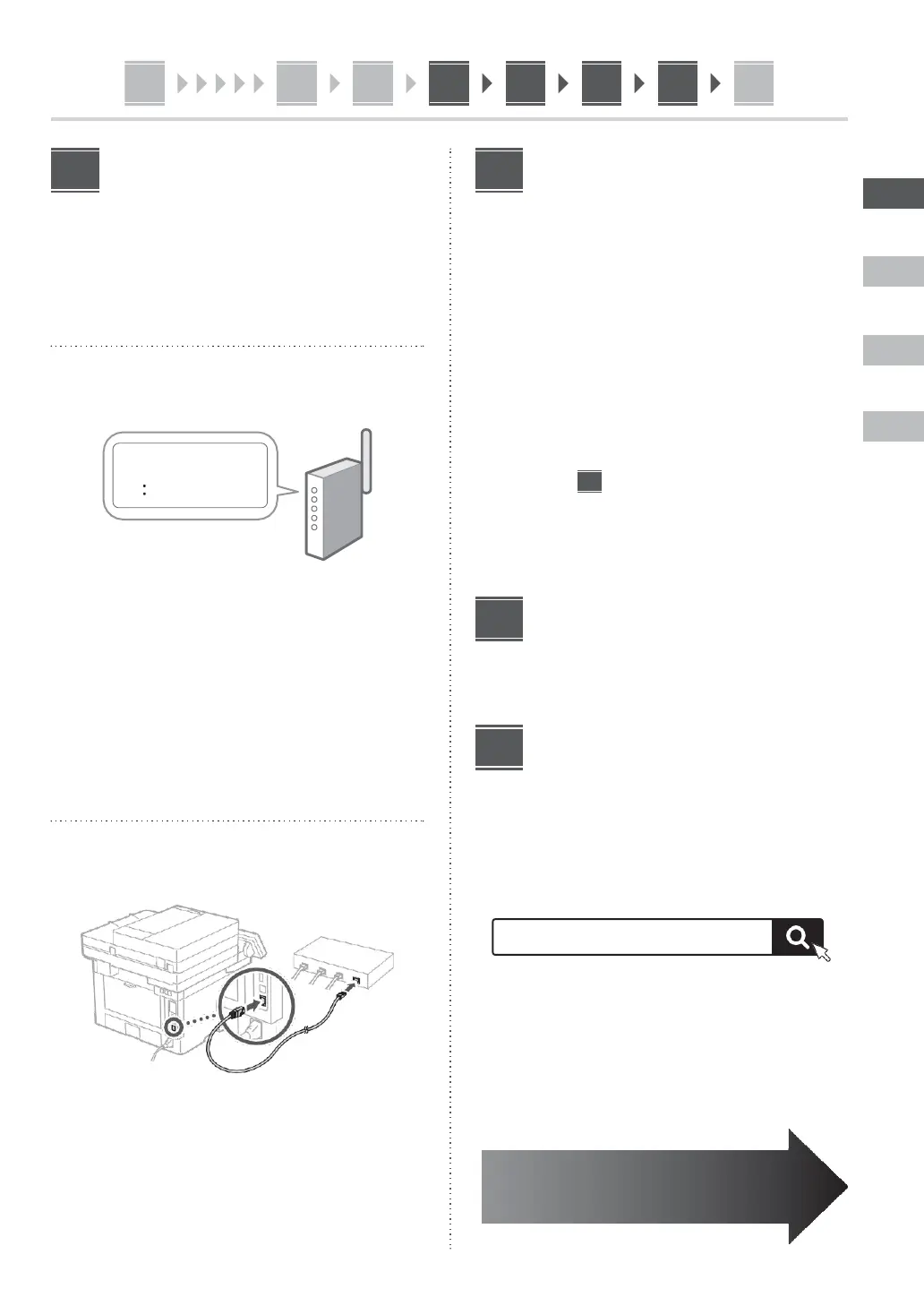
Specifying the Network
Settings
Specify the settings for connecting the machine to a
network. Before proceeding, check that the computer and
router are correctly connected to the network.
Wireless
LAN
1.
Check
the
router's
"SSID"
and "Network
key."
2.
To configure the settings, select <Yes> on
the operation panel.
3.
Check the message and select <OK>.
4.
Select the network with a matching SSID.
5.
Enter the password (network key) and select
<Apply>.
Wired
LAN
Connect the router to the machine with a LAN cable and
then select <No> in the screen for choosing how to
connect to the network.
Setting Up the Toner
Replenishment Service
Use this procedure to set up the toner replenishment
service. To use this service, you must enter into an
agreement beforehand.
1.
Check the message and select <Next>.
2.
Check
the
conditions
of
use,
and then
choose whether or not to use the service.
•
To use the service: <Accept>.
•
To not use the service or not enter into an
agreement: Select <Do Not Accept> and proceed
to step
10
.
3.
When <Connection was successful.> appears,
select <OK>.
Ending
the
Setup
Guide
Check the description in the Application Library and then
select <End>.
Installing the Software/
Drivers
Install
the
software
and
drivers
from
the
CD/DVD-ROM
included, or visit the URL below and download them from
the Canon website for your country/region.
https://global.canon/en/support/
Example: MF455dw download













 To Next Page