5
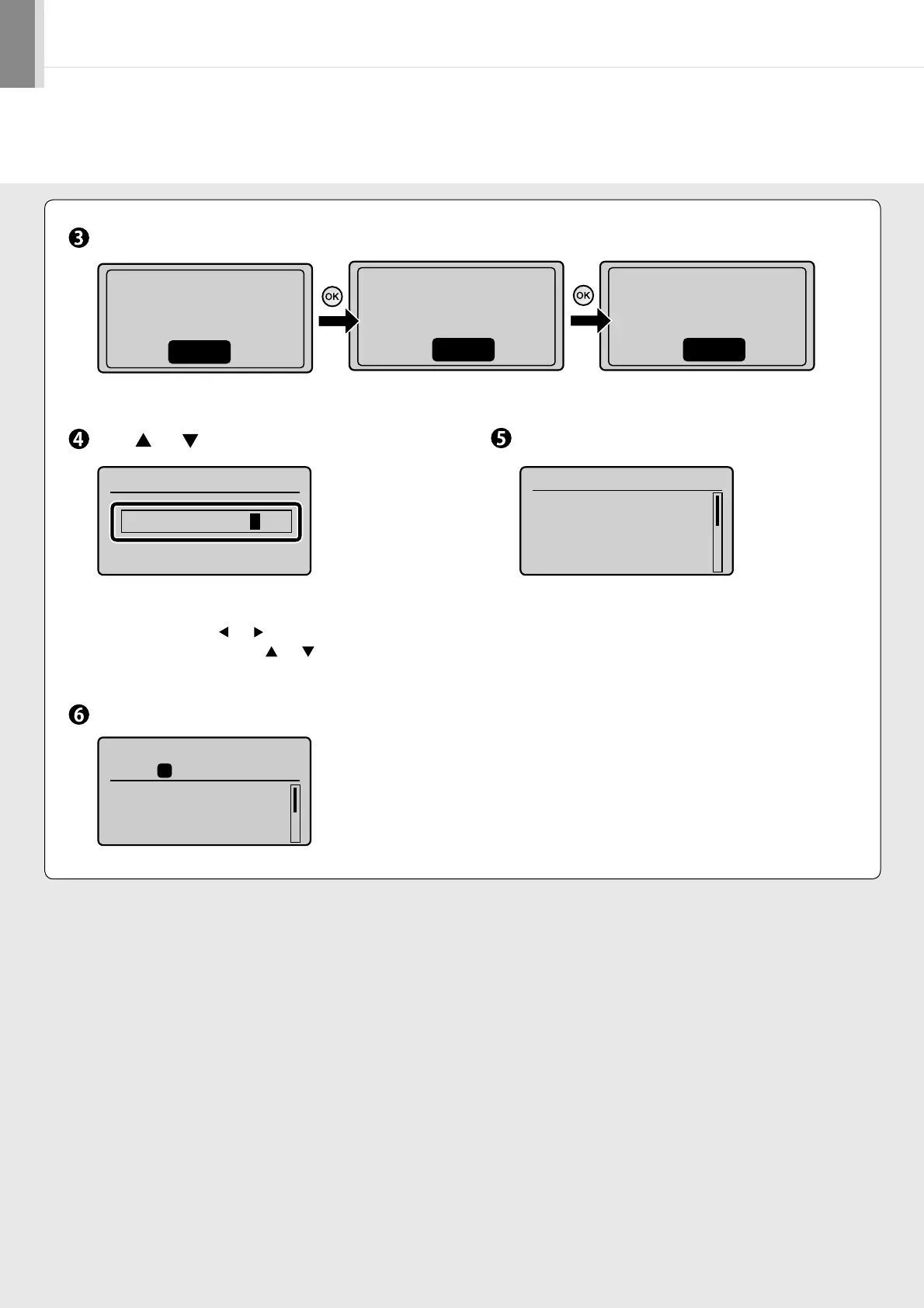
Press [OK].
An initial screen appears, and initial setting is finished.
Press [ ] or [ ] to specify, and then press [OK].
• For MF4580dn/MF4570dn/MF4550d/MF4450,
you can also enter values using the numeric key.
• Move the cursor with [ ] or [ ].
• Switch to <AM> or <PM> with [ ] or [ ].
Check and press [OK].
Open toner cover;see
if orange packing
material is removed.
Next
Check that tabs/tape
are removed from
toner cartridge.
Next
Check that paper is
loaded in Drawer 1.
Next
Current Time Set.
Must rechg. battery
for 24 hrs. to save
time settings.
After turning main
Current Time Settings
01/01 2010 12:52 AM
Copy: Press Start
100% A4
Density: 0
Original Type: Text
...
2-Sided: Off
1
+
-
01










 To Next Page