EasyManua.ls Logo

Canon imageCLASS MF4350D - User Manual

Canon imageCLASS MF4350D
44 pages
Print Icon
To Next Page IconTo Next Page
Loading...
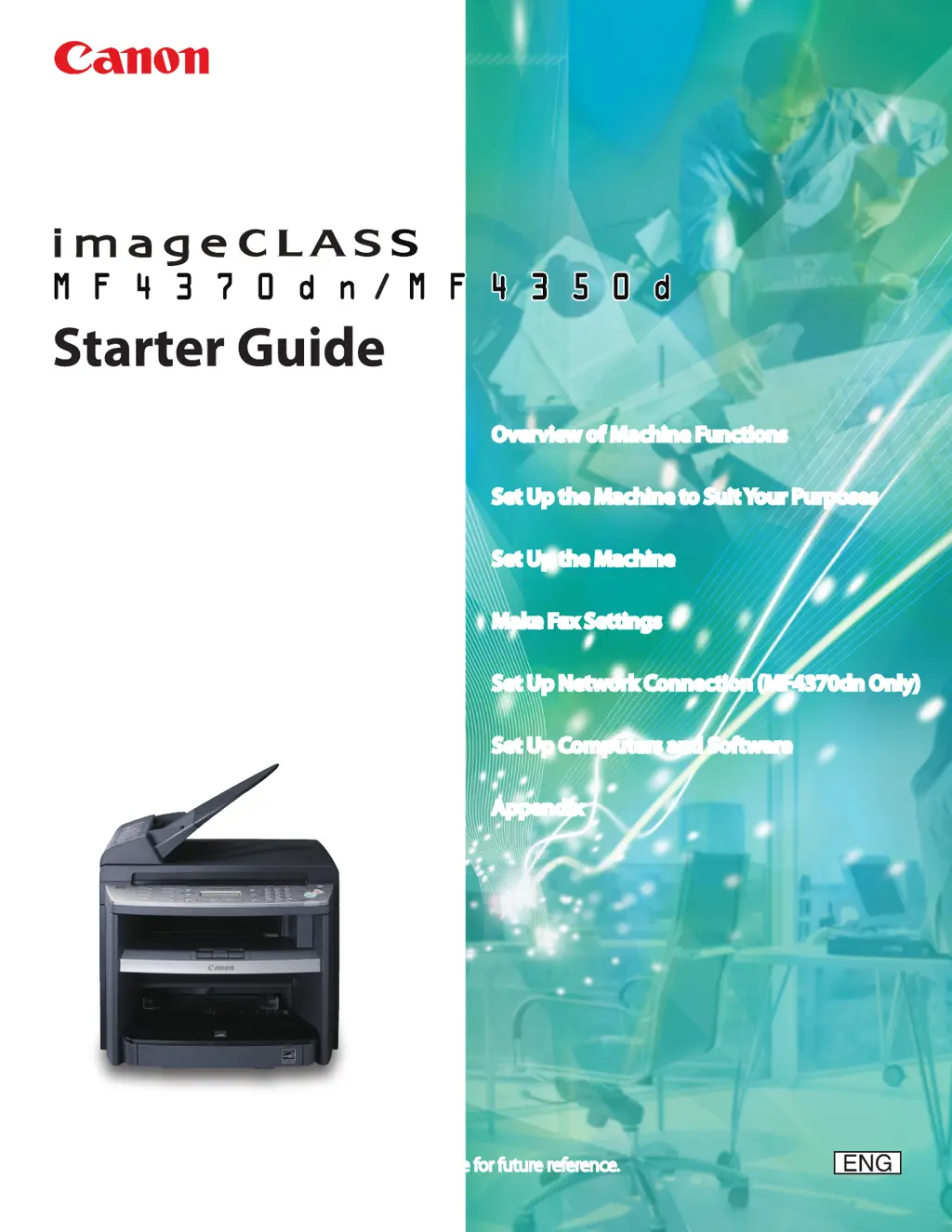
Overview of Machine Functions
Set Up the Machine to Suit Your Purposes
Set Up the Machine
Make Fax Settings
Set Up Network Connection (MF4370dn Only)
Set Up Computers and Software
Appendix
Please read this guide before operating this product.
After you nish reading this guide, store it in a safe place for future reference.

Questions and Answers

  • K
    Karen RogersAug 17, 2025
    How to clear paper jam on Canon Printer?
    • M
      Matthew VargasAug 18, 2025
      If your Canon Printer shows 'PAPER JAM', clear the paper jam and reload paper in the paper cassette or multi-purpose tray. The printer cover must be opened and closed to resume the current job.
  • B
    Brittany MendozaAug 20, 2025
    What to do if Canon Printer says 'LOAD PAPER'?
    • L
      Lori AndersonAug 20, 2025
      If your Canon Printer displays 'LOAD PAPER', it indicates that no paper is loaded in the paper cassette or multi-purpose tray during a copy or print job. Load paper correctly, and then press the [OK] button if you are using the paper cassette.
  • E
    erin90Aug 23, 2025
    What to do if Canon Printer shows 'LOAD CORRECT PAPER'?
    • L
      leonardleeAug 23, 2025
      If your Canon Printer displays 'LOAD CORRECT PAPER', it means that the size of the paper in the paper cassette or multi-purpose tray is different from the paper size specified in the settings for the cassette or MP tray. Load the correct size paper or change the paper size in the printer's settings.
  • N
    Natalie WilkinsAug 25, 2025
    How to fix paper jam in the rear cover of Canon Printer?
    • D
      David BartonAug 26, 2025
      If your Canon Printer displays 'PAPER JAM OPEN REAR COVER', clear the paper jam and reload paper in the paper cassette or multi-purpose tray. The cover must be opened and closed to resume the current job.
  • M
    Margaret JacksonAug 27, 2025
    How to fix 'OUT OF TONER CHANGE TONER' on Canon Printer?
    • M
      Morgan NortonAug 28, 2025
      If your Canon Printer displays 'OUT OF TONER CHANGE TONER', it means the toner has completely run out. Replace the toner cartridge to resolve this issue.
  • L
    Lisa RobinsonAug 30, 2025
    What to do if Canon Printer says 'MEMORY FULL'?
    • A
      Amanda DanielsAug 30, 2025
      If your Canon Printer displays 'MEMORY FULL', the machine is full of jobs. To solve this, try the following: 1. Print, send, or delete any documents stored in memory. 2. Divide the document or data into smaller parts and try again. 3. Send the document with a lower resolution.
  • J
    Joanna BerrySep 1, 2025
    How to fix 'CLOSE COVER TONER COVER' error on Canon Printer?
    • J
      Jamie ClaytonSep 2, 2025
      If your Canon Printer displays 'CLOSE COVER TONER COVER', it means that the toner cover is not completely closed. Check the toner cover and ensure that it is completely closed.
  • J
    Jeffrey DunlapSep 4, 2025
    What to do if Canon Printer shows 'SET PAPER AGAIN SET TONER AGAIN'?
    • S
      Steven BowmanSep 4, 2025
      If your Canon Printer displays 'SET PAPER AGAIN SET TONER AGAIN', it means that the paper is not loaded properly or the toner cartridge is not set. Load paper properly and set the toner cartridge in the machine.
  • B
    brianabradleySep 6, 2025
    How to resolve 'PAPER SIZE' error on Canon Printer?
    • K
      Krista GarciaSep 7, 2025
      If your Canon Printer displays 'PAPER SIZE', load the correct size paper as indicated on the display, then press [OK] to resume the job.
  • C
    crystal14Sep 9, 2025
    What does 'LOST IMAGE' mean on Canon Printer?
    • M
      melaniemccoySep 9, 2025
      If your Canon Printer displays 'LOST IMAGE', it means the machine was turned OFF with documents stored in its memory. The error will automatically clear after two seconds. The printer will then automatically print a report showing the records still existing in the activity report.

Canon imageCLASS MF4350D Specifications

General IconGeneral
Print TechnologyLaser
Duplex PrintingYes
ADF Capacity35 sheets
ConnectivityUSB 2.0
FunctionsPrint, Copy, Scan, Fax
Scanner TypeFlatbed, ADF
Copy ResolutionUp to 600 x 600 dpi
Fax Transmission Speed33.6 Kbps
Print SpeedUp to 23 ppm
Print ResolutionUp to 1200 x 600 dpi
Scan ResolutionUp to 600 x 600 dpi
Copy SpeedUp to 23 cpm
Paper Capacity250 sheets
Reduction/Enlargement50% - 200%
Operating System CompatibilityWindows, Mac OS

Related product manuals