23
5
Types of Connection between Computers and
the Machine
There are two ways to connect the machine and computers: USB connection and network connection
Network Connection is available only for MF4370dn.
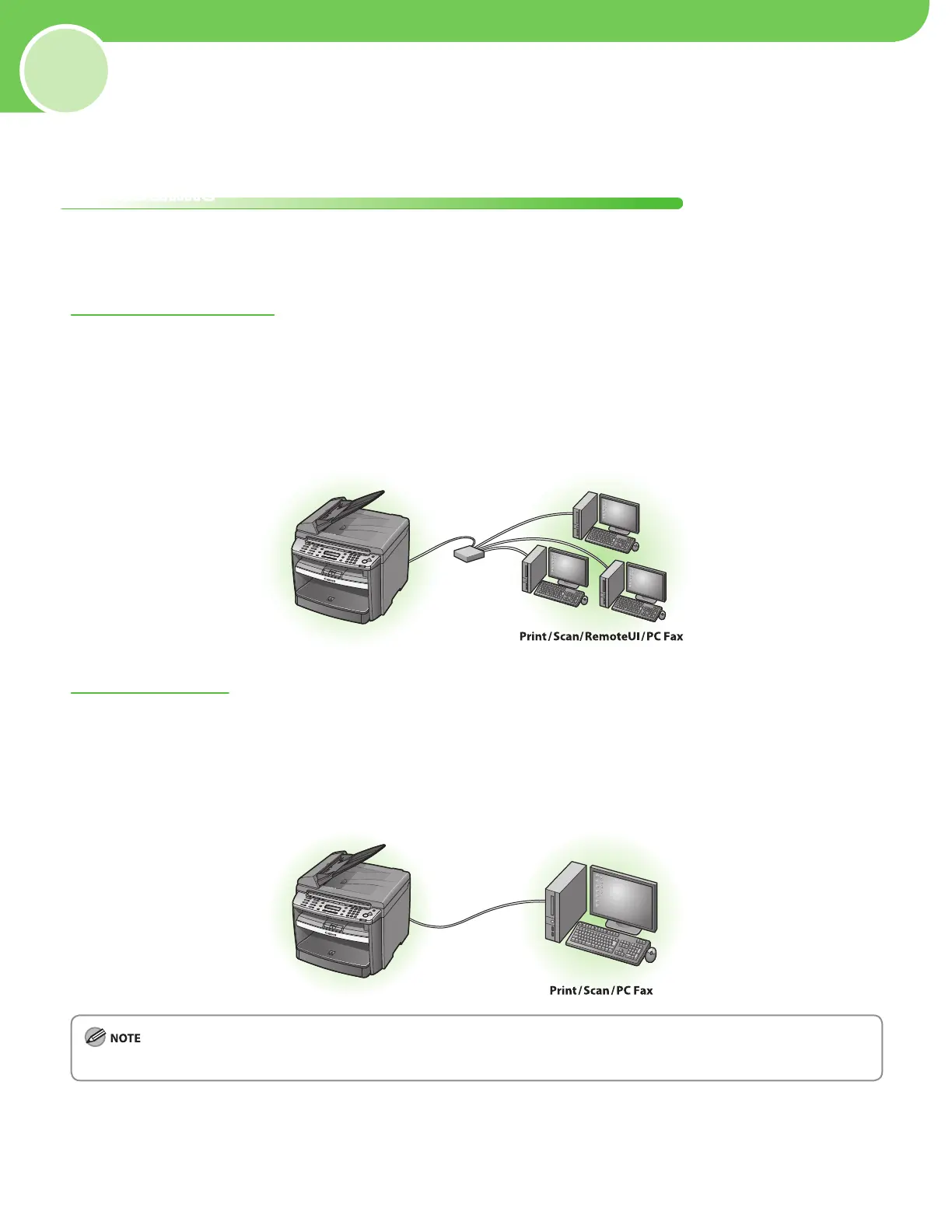
Network Connection (For details about the set up, see p. 26.)
The following functions are available with Network Connection: PC Print, Remote UI, PC Fax, Scan
For more information on how to use each function with network connection, refer to the following:
PC P
rint → “P
rint,” in the e-Manual
Remote UI → “S
ettings from a PC,” in the e-Manual
PC Fax → “F
ax,” in the e-Manual
Scan → “S
can,” in the e-Manual
USB Connection (For details about the set up, see p. 31.)
The following functions are available with USB Connection: PC Print, PC Fax, Scan
For more information on how to use each function with USB Connection, refer to the following:
PC P
rint → “P
rint,” in the e-Manual
PC Fax → “F
ax,” in the e-Manual
Scan → “Scan,” in the e-Manual
You can use the USB connection and network connection together.
Set Up Computers and Software









 To Next Page