

 To Next Page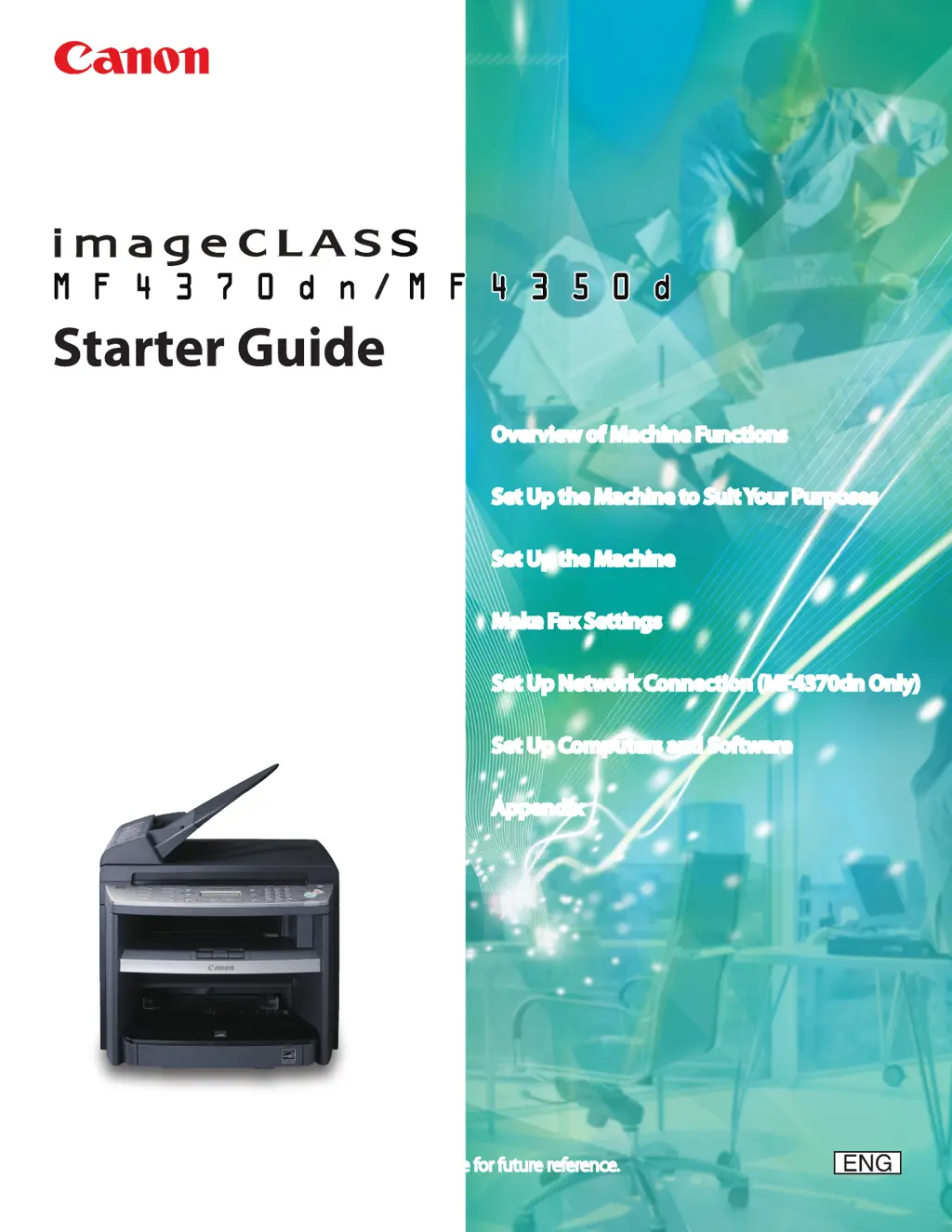
J
Jacob GoodmanSep 12, 2025
What does 'CANNOT PRINT RX DATA' mean on Canon Printer?
- KKayla BartlettSep 12, 2025
This error message appears with another message. When the error is resolved, the received data will be printed out.

What does 'CANNOT PRINT RX DATA' mean on Canon Printer?
This error message appears with another message. When the error is resolved, the received data will be printed out.
Why does my Canon Printer say 'NOT REGISTERED'?
To use the Address Book function on your Canon Printer, you need to register the recipients first.
 General
| Print Technology | Laser |
|---|---|
| Duplex Printing | Yes |
| ADF Capacity | 35 sheets |
| Connectivity | USB 2.0 |
| Functions | Print, Copy, Scan, Fax |
| Scanner Type | Flatbed, ADF |
| Copy Resolution | Up to 600 x 600 dpi |
| Fax Transmission Speed | 33.6 Kbps |
| Print Speed | Up to 23 ppm |
| Print Resolution | Up to 1200 x 600 dpi |
| Scan Resolution | Up to 600 x 600 dpi |
| Copy Speed | Up to 23 cpm |
| Paper Capacity | 250 sheets |
| Reduction/Enlargement | 50% - 200% |
| Operating System Compatibility | Windows, Mac OS |







