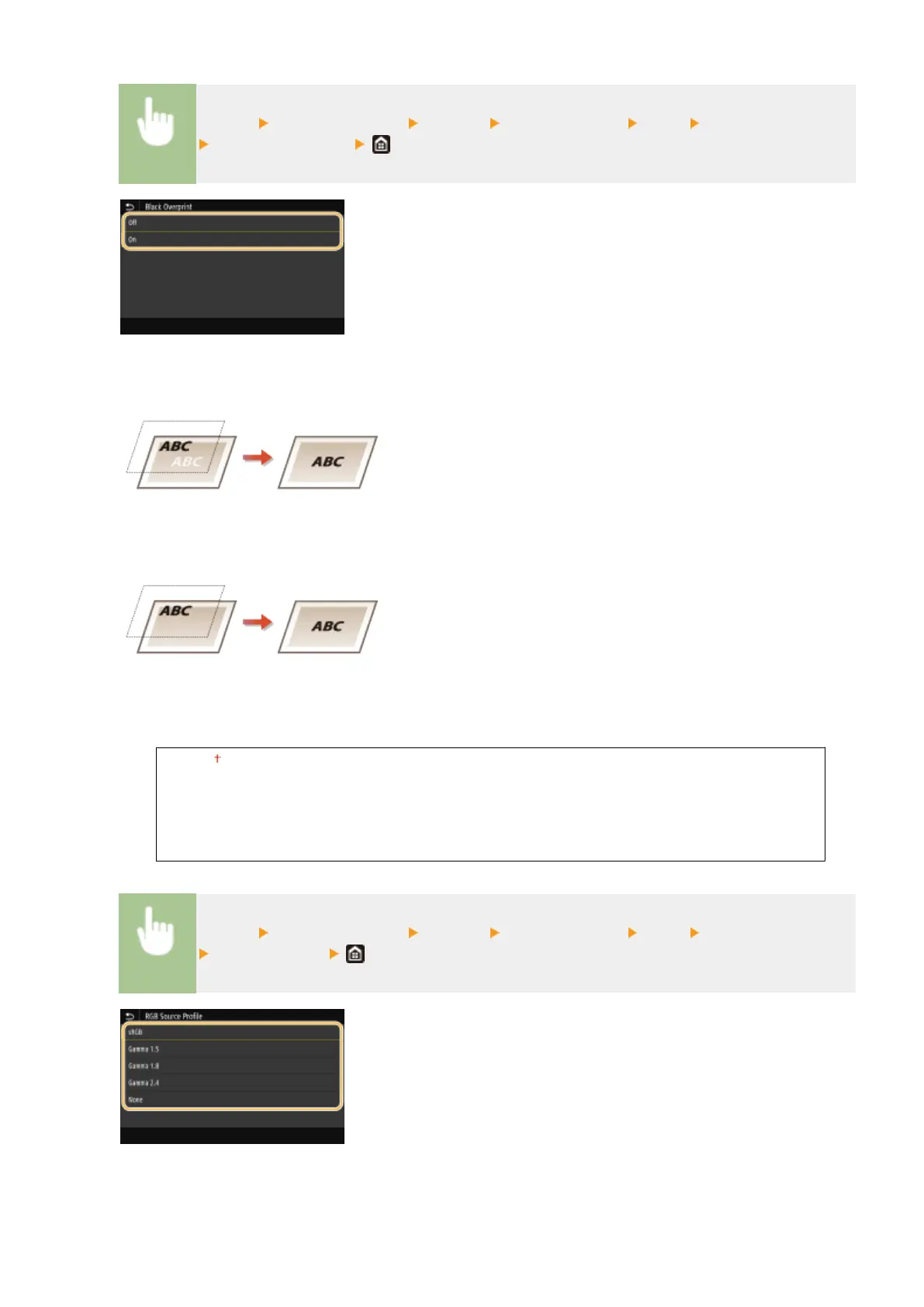
<Menu> <Function Settings> <Printer> <Printer Settings> <PDF> <Black Overprint>
Select <Off> or <On>
<Off>
Outlines black text from a colored background or gure rst, then prints black text in the outlined part.
Printouts may be faded much more than <On>, or text may be outlined.
<On>
Prints all the colored backgrounds and gures, and overlaps black text on these backgrounds and gures using
only the black (K) toner, then prints.
<RGB Source Prole>
Select the prole for RGB data according to the monitor you are using.
<sRGB>
<Gamma 1.5>
<Gamma 1.8>
<Gamma 2.4>
<None>
<Menu> <Function Settings> <Printer> <Printer Settings> <PDF> <RGB Source Prole>
Select the prole
<sRGB>
Sets the image quality to the industry standard for general Windows computer monitors. If the monitor
supports sRGB, data can be printed in the color tones closest to the displayed colors.
Setting Menu List
525









 To Next Page