<Gamma 1.5> to <Gamma 2.4>
Adjusts the brightness of the print result to prevent the image quality of the brightest and darkest parts from
being degraded. The greater the gamma value is, the darker the printed text or image becomes.
<None>
Carries out color separation from RGB data to CMYK data without applying an RGB source prole.
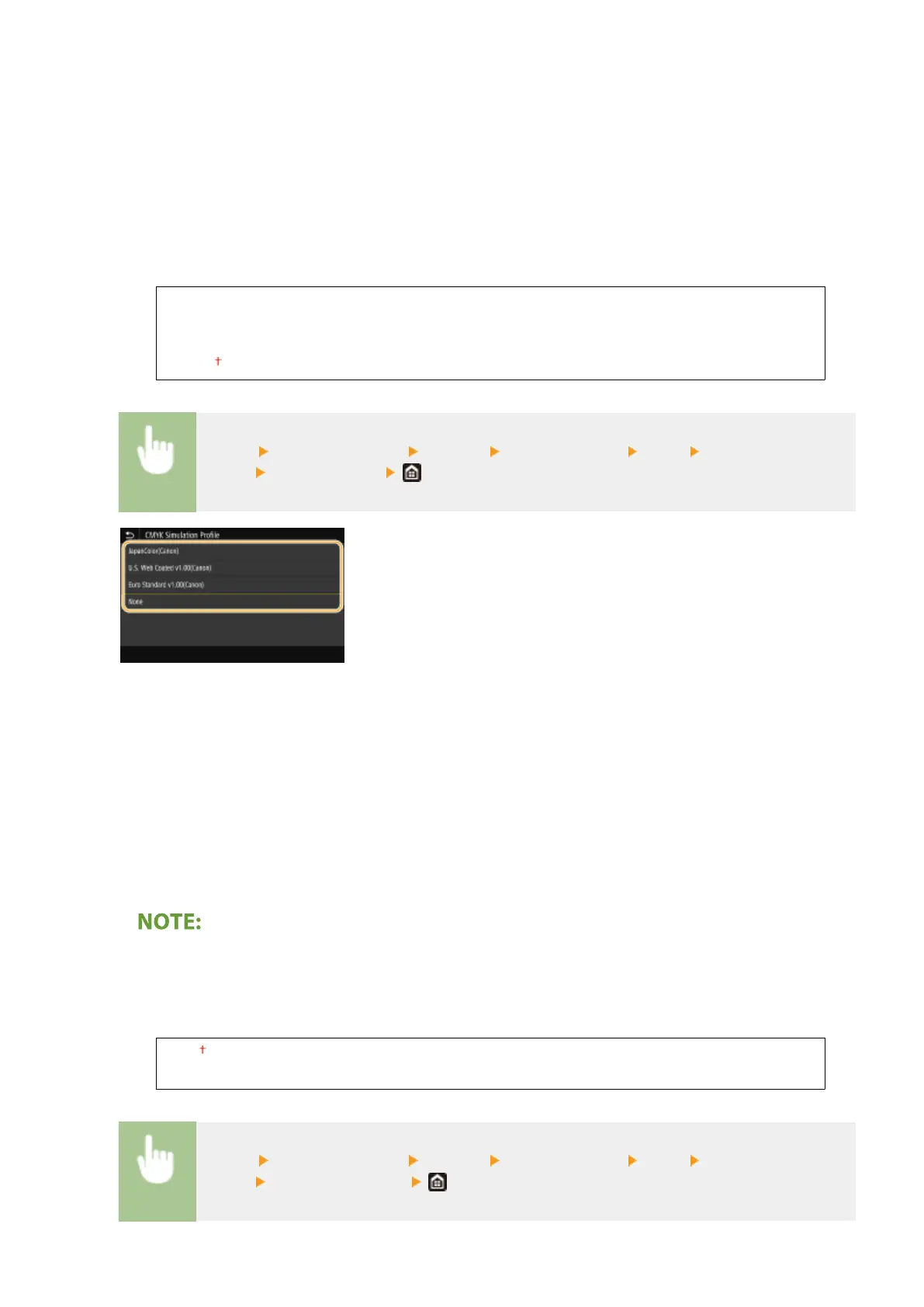
<CMYK Simulation Prole>
Select a simulation target to print the CMYK data. The machine converts CMYK data into a device dependent
CMYK color model based on the simulation.
<JapanColor(Canon)>
<U.S. Web Coated v1.00(Canon)>
<Euro Standard v1.00(Canon)>
<None>
<Menu> <Function Settings> <Printer> <Printer Settings> <PDF> <CMYK Simulation
Prole> Select the prole
<JapanColor(Canon)>
Set a JapanColor prole. Data is printed in the color tones closest to those of the Japanese printing standard.
<U.S. Web Coated v1.00(Canon)>
Set a U.S. Web Coated prole. Data is printed in the color tones closest to those of the U.S. printing standard.
<Euro Standard v1.00(Canon)>
Set a Euro Standard prole. Data is printed in the color tones closest to those of the European printing
standard.
<None>
Prints CMYK data by using a device-dependent CMYK color model without applying the CMYK simulation prole.
● When <None> is selected, the dark color gradation may become uneven depending on data.
<Use Grayscale Prole>
Specify whether to convert gray data to CMYK data using the grayscale prole of the machine.
<Off>
<On>
<Menu> <Function Settings> <Printer> <Printer Settings> <PDF> <Use Grayscale
Prole>
Select <Off> or <On>
Setting Menu List
526









 To Next Page