1
2
3
4
5
6
7
8
9
10
11
Back
Next
Previous
TOP
iii
Before Using the
Machine
Document and Paper
Copying
Sending and Receiving (MF6595cx/
MF6595/MF6590 Only)
Printing and
Scanning
Network (MF6595cx/MF6595/
MF6590/MF6540 Only)
Remote UI (MF6595cx/MF6595/
MF6590/MF6540 Only)
System Settings
Maintenance
Troubleshooting
Appendix
Table of Contents
Index
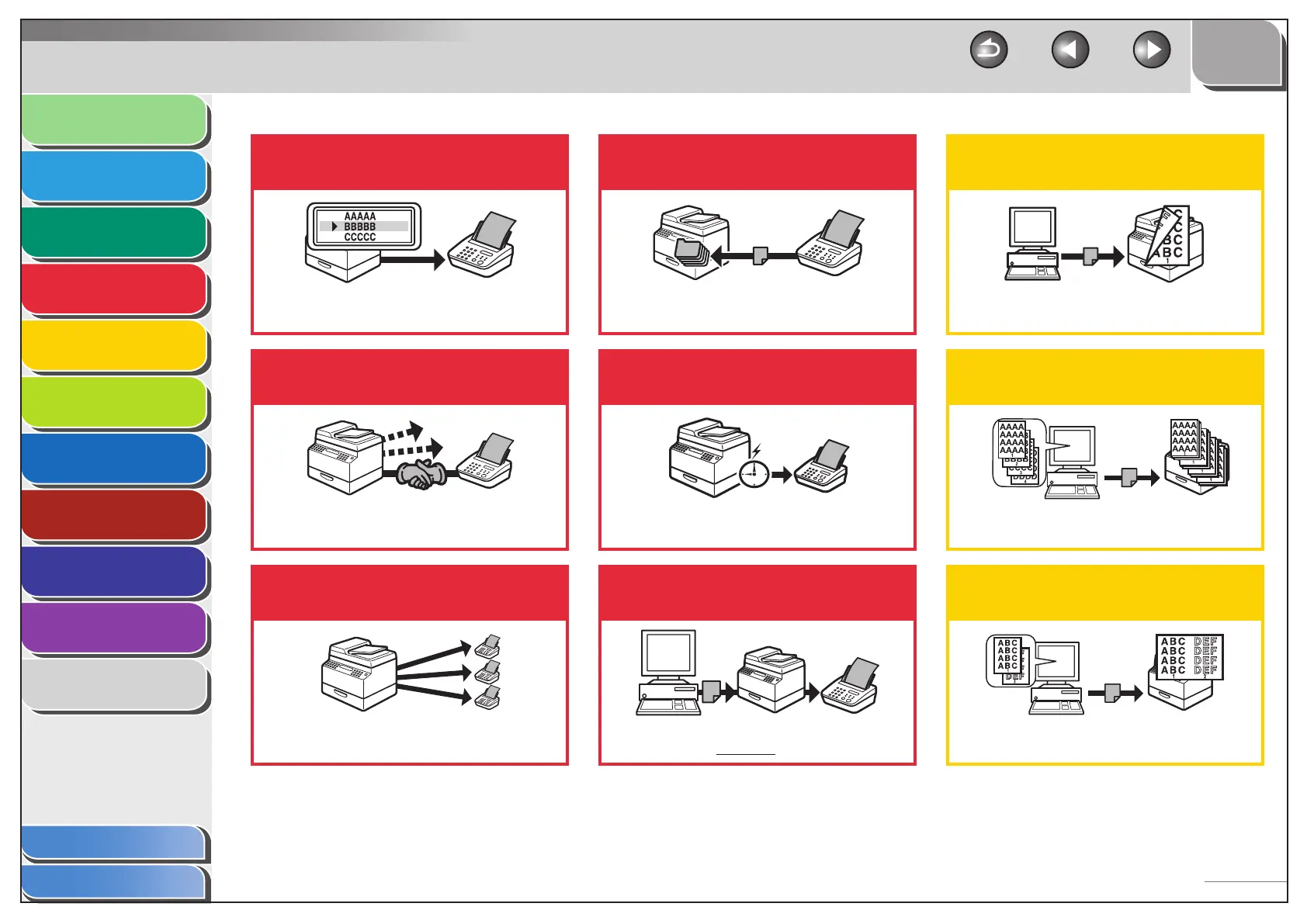
Look up a particular recipient
Address Book Search
p. 4-14
Redial when the line is busy
Redialing
p. 4-20
Send documents to multiple
recipients
Broadcasting
p. 4-17
Receive faxes in memory without
printing out
Memory Reception
p. 4-25
Send a fax at a specified time
Delayed Sending
p. 4-17
Send a fax from a PC
PC Faxing
the online help
Print a document from a PC
Printing
p. 5-2
Sort printouts by page order
Collate Printing
p. 5-3
Print two pages on one sheet
2 on 1 Combination
p. 5-3



 To Next Page