4
Preparing to Transfer the Printer
Do not remove the Maintenance Cartridge during this process.•
5
6
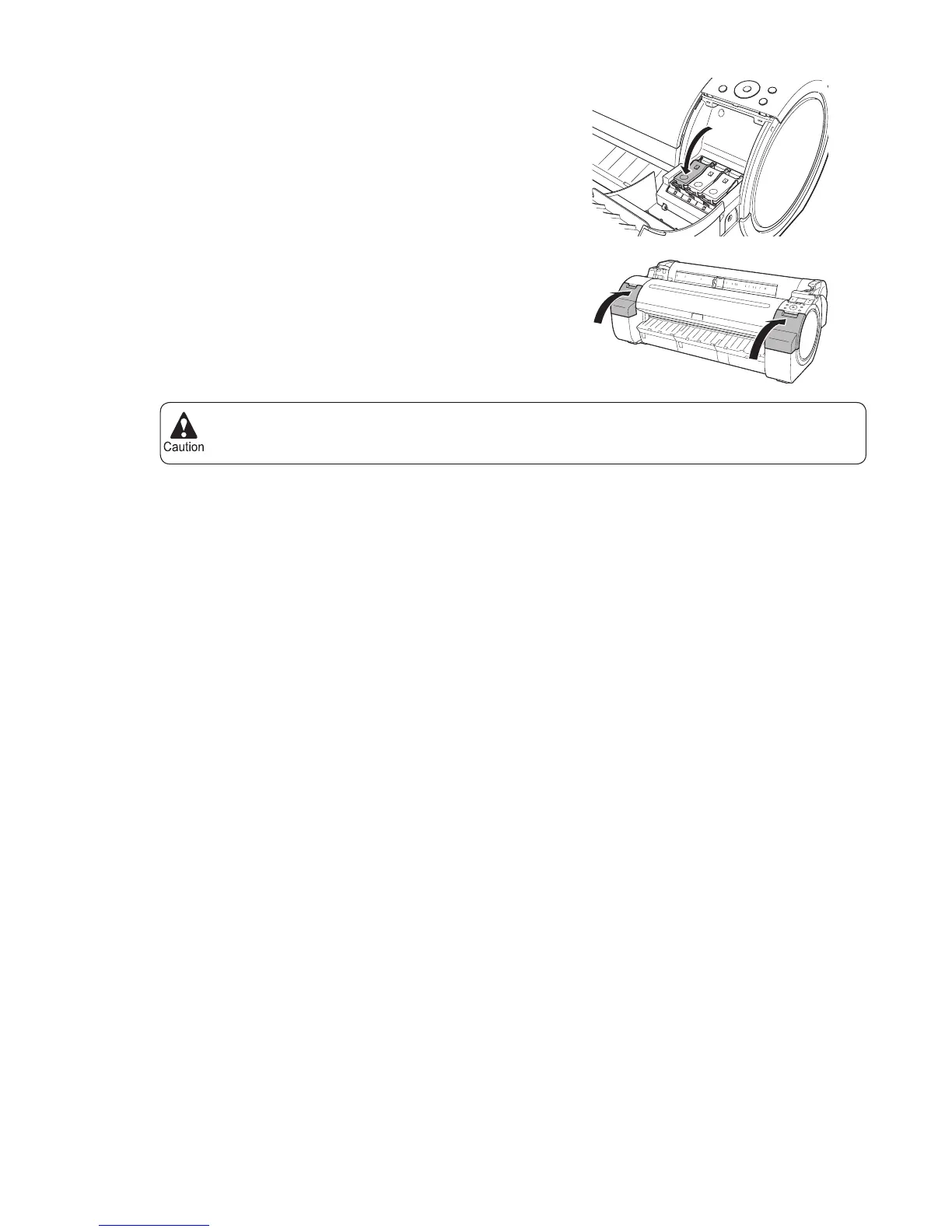
Push all ink tank lock levers closed until they click into
place.
Close the Ink Tank Cover .
At this point, ink is drawn out from inside the tubes.
When the process is fi nished, Completed! Turn Power
Off!! is displayed.












 To Next Page