19
If Roll Paper Jams
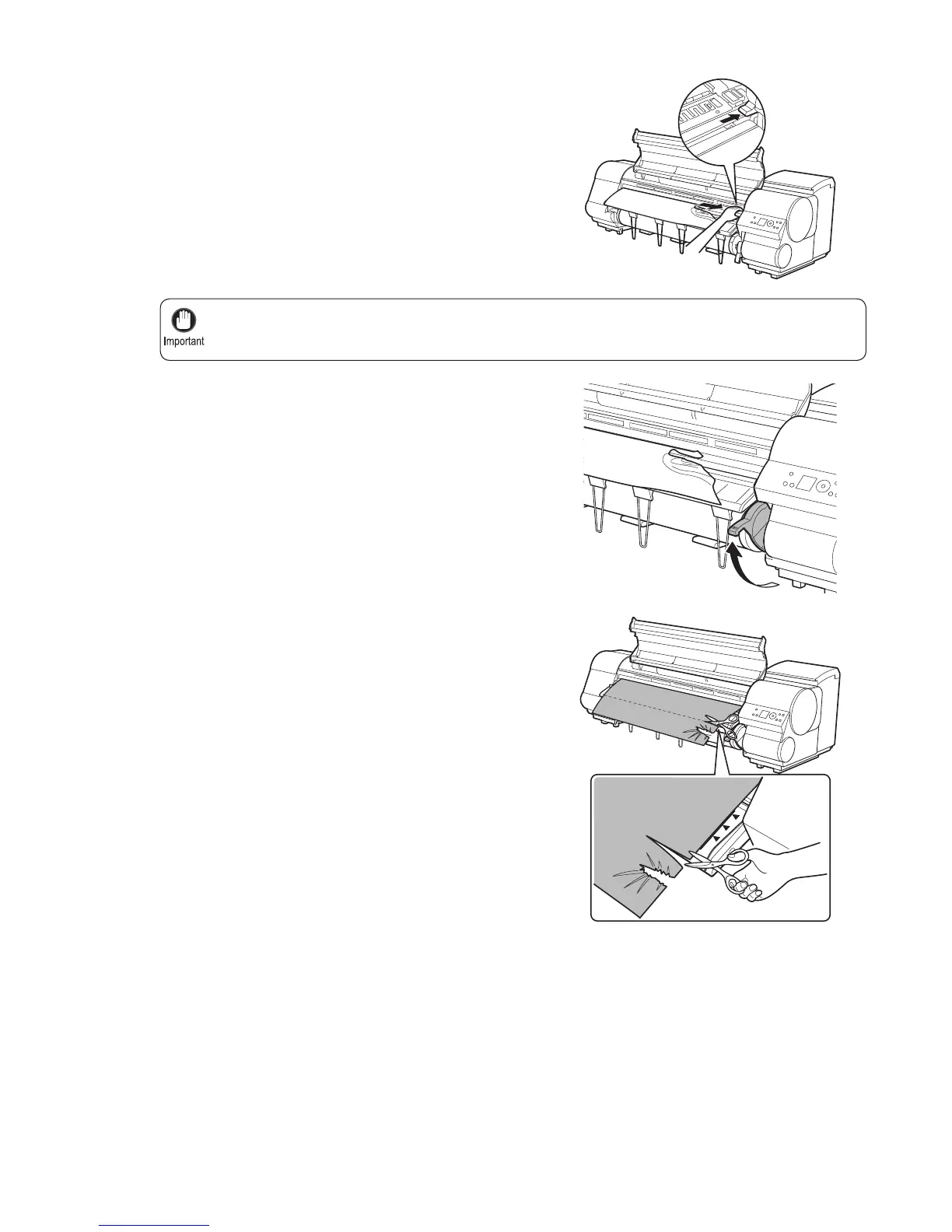
If the Cutter is on the left side, be sure to move it to the right. If the Cutter is on the left side when you
turn the printer on, the printer may rip the paper.
•
4
6
5
If the Cutter is out, move the Cutter to the right side,
away from the paper.
Holding the paper on both sides, pull the jammed portion
out toward the front. Use a scissors or cutting tool to cut
away the printed or wrinkled portion.
Lift the Release Lever .













 To Next Page