27
If Vertical Lines are Warped or Colors are Misaligned
1
2
3
4
5
6
7
Load the paper.
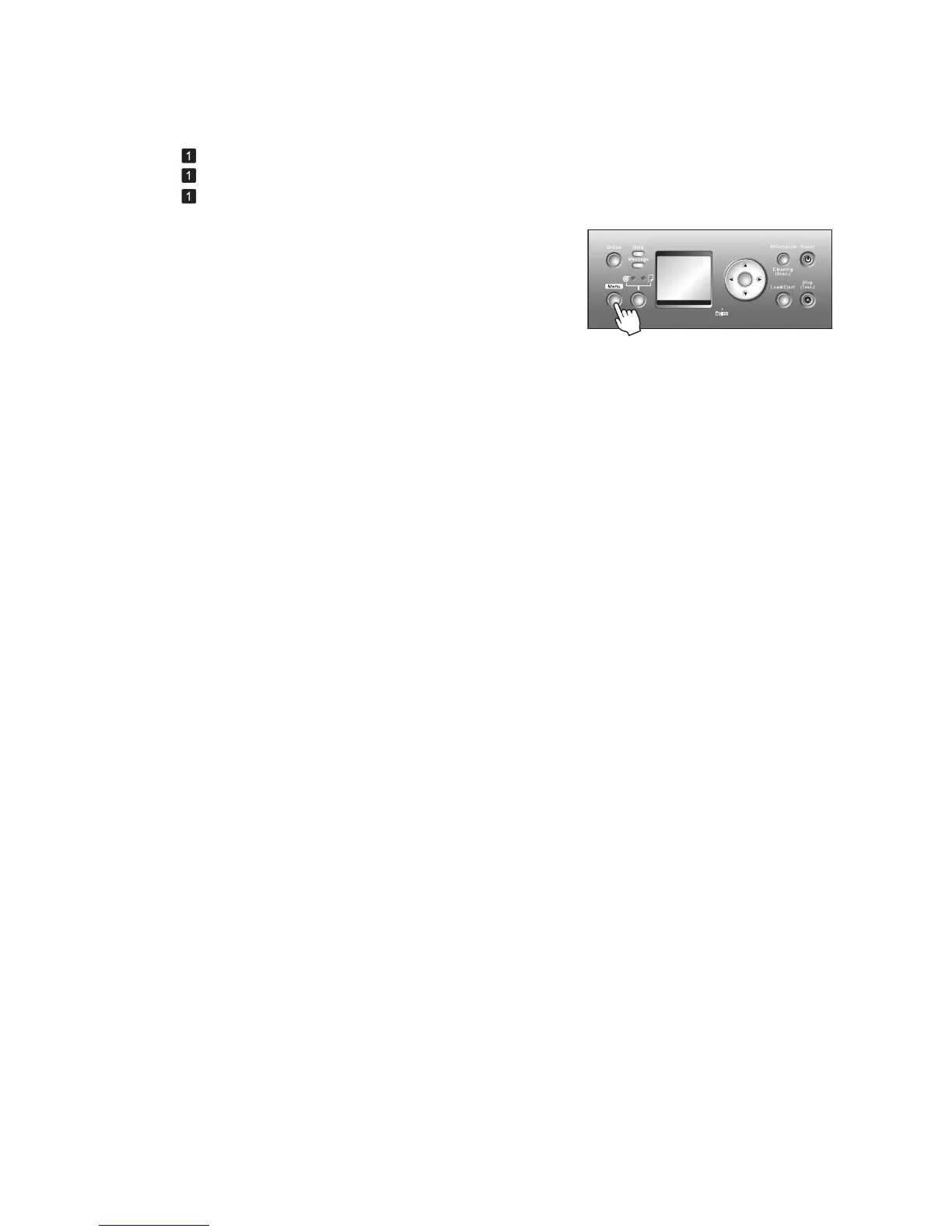
Press the Menu button to display MAIN MENU .
Press ▲ or ▼ to select Adjust Printer , and then press
the ► button.
Press ▲ or ▼ to select Auto Head Adj. , and then press
the ► button.
Press ▲ or ▼ to select Standard Adj. or Advanced Adj. ,
and then press the ► button.
Press ▲ or ▼ to select Yes , and then press the OK
button.
A test pattern is printed for printhead adjustment.
Adjustment is now fi nished if you have printed on a roll or
a sheet of A2 size or larger.
If you are printing on sheets smaller than A2 size for
Advanced Adj. , a confi rmation message is displayed
asking you whether to continue printing. Press the OK
button and follow the instructions displayed.
Execute Auto Head Adj. as follows.
(→
, Attaching the Roll Holder to Rolls)
(→
, Loading Rolls in the Printer)
(→
, Loading Sheets in the Printer)
OK













 To Next Page