25
You can specify a number of pages in the printer's Noz. Check Freq. menu for automatic nozzle checking and
cleaning every time you fi nish printing that quantity. (→"Main Menu Settings," User Manual)
•
You can start Head Cleaning A by holding down the Information button for three seconds or more.•
If printing does not improve after Head Cleaning A , try Head Cleaning B . If this does not solve the problem,
repeat Head Cleaning B two or three times. If this still does not improve printing, the Printhead may have
reached the end of its useful life. Contact your Canon dealer for assistance.
•
Do not remove the Maintenance Cartridge or ink tanks during cleaning.•
1
2
3
4
Cleaning the Printhead may help clear nozzles that are clogged.
Choose one of two Printhead cleaning modes ( Head Cleaning A or Head Cleaning B ), depending on the problem
to resolve.
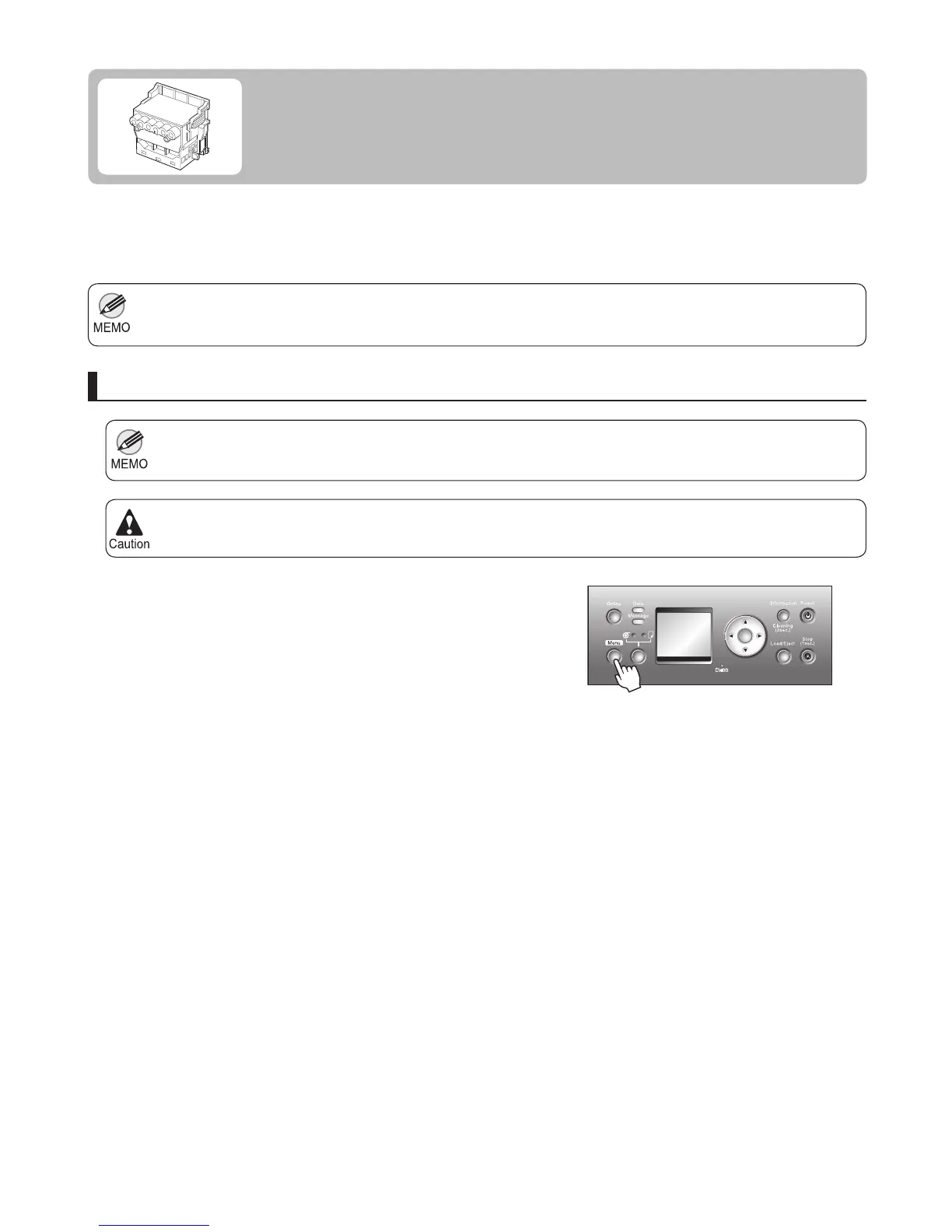
Press the Menu button to display MAIN MENU .
Press ▲ or ▼ to select Head Cleaning , and then press
the ► button.
Press ▲ or ▼ to select the type of cleaning, and then
press the OK button.
The printhead is cleaned, and the printer goes online.
Use Head Cleaning A if printing is faint or contains
foreign substances. This method of cleaning
consumes the least amount of ink. It takes about three
minutes to complete.
Head Cleaning A •
Use Head Cleaning B if no ink comes out of the
printhead, or if Head Cleaning A does not solve the
problem. It takes about four minutes to complete.
Head Cleaning B •
If Printing is Faint
Clean the printhead as follows.
Clean the printhead
Print a test pattern to check the nozzles, and determine
whether cleaning has cleared the nozzles. (→"Checking
for Nozzle Clogging," User Manual)
OK













 To Next Page